Halloween Wallpapers
Free Halloween wallpapers and backgrounds in twelve designs: cute, aesthetic, scary, preppy, and vintage. High resolution for iPhone, Android, and PC.
All 12 Wallpapers
Showing all 12 wallpapers.
-
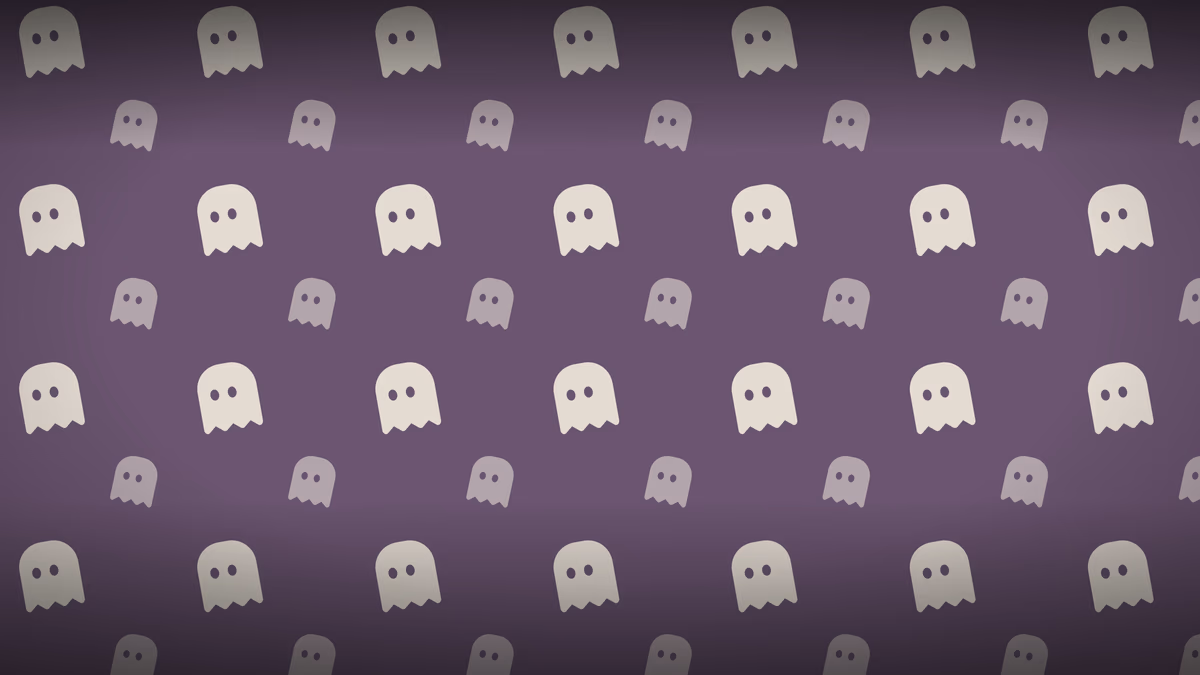
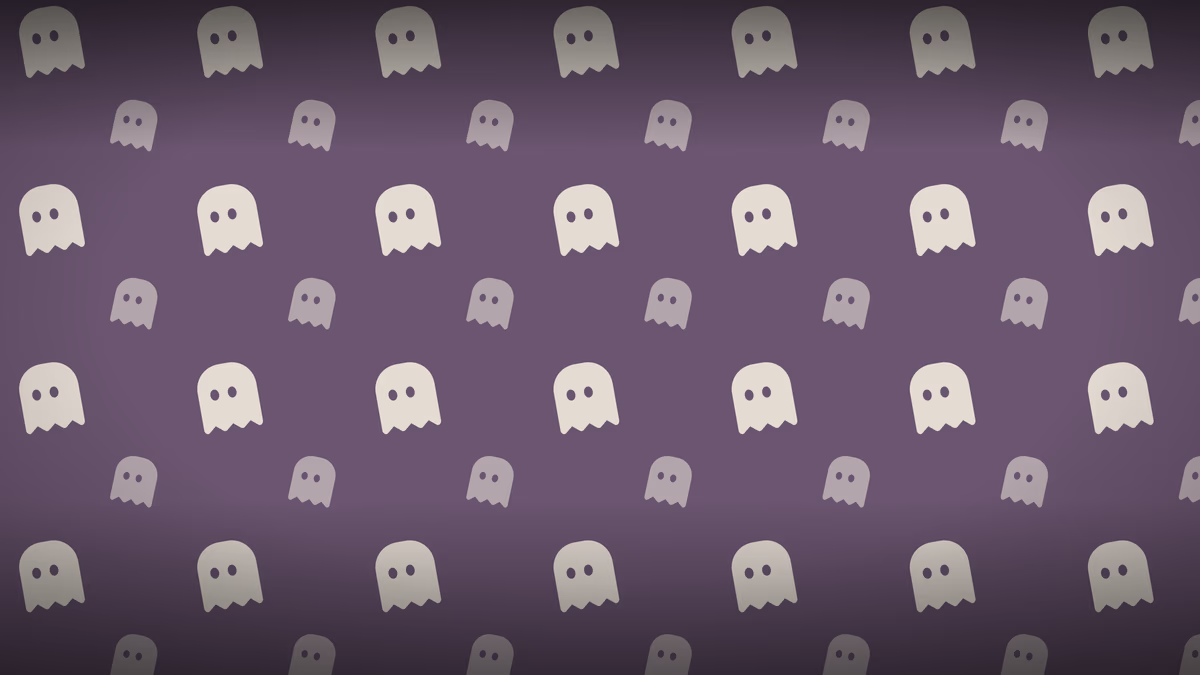
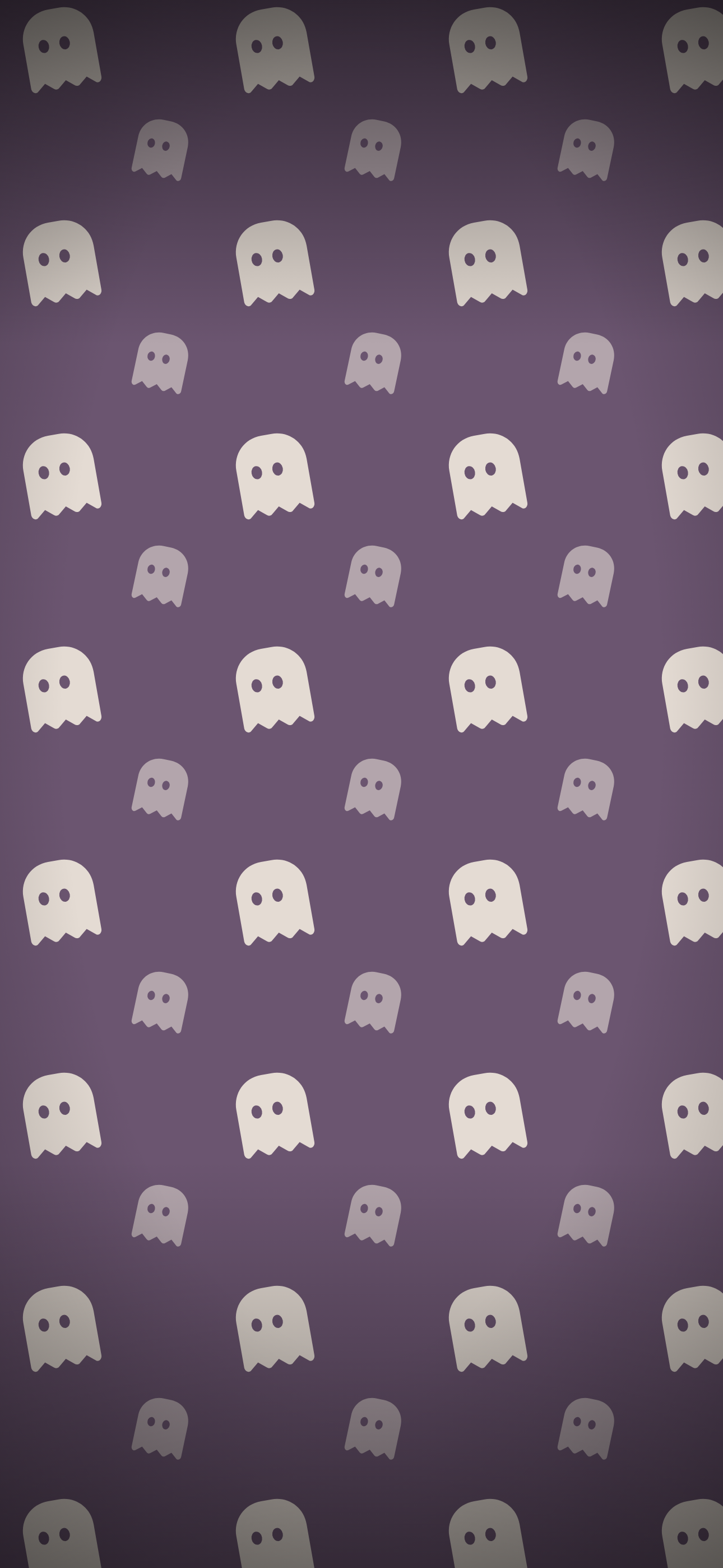
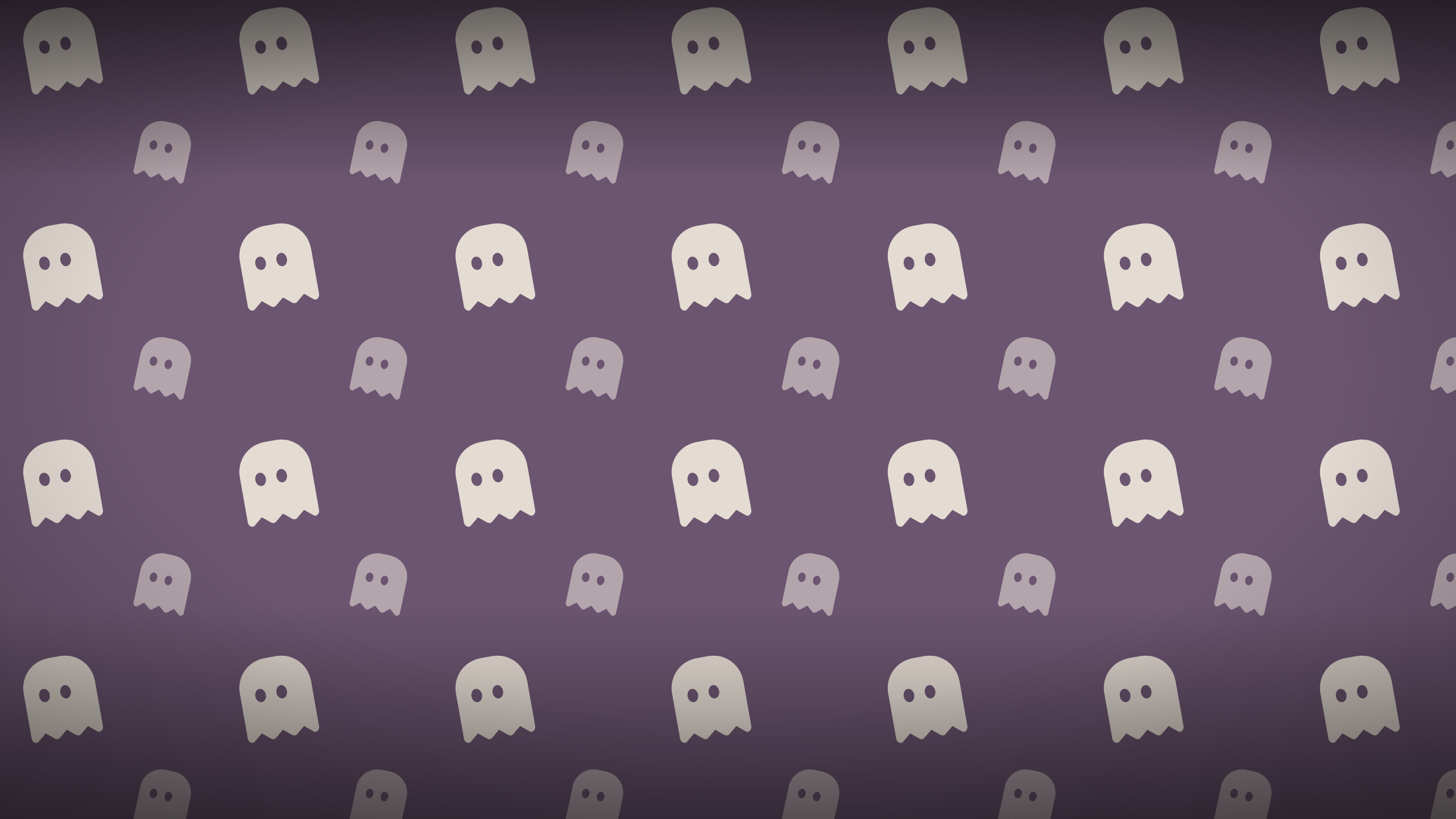
Drifting Ghosts
Soft cream ghosts on dusty mauve. The calmest design here.
-
-
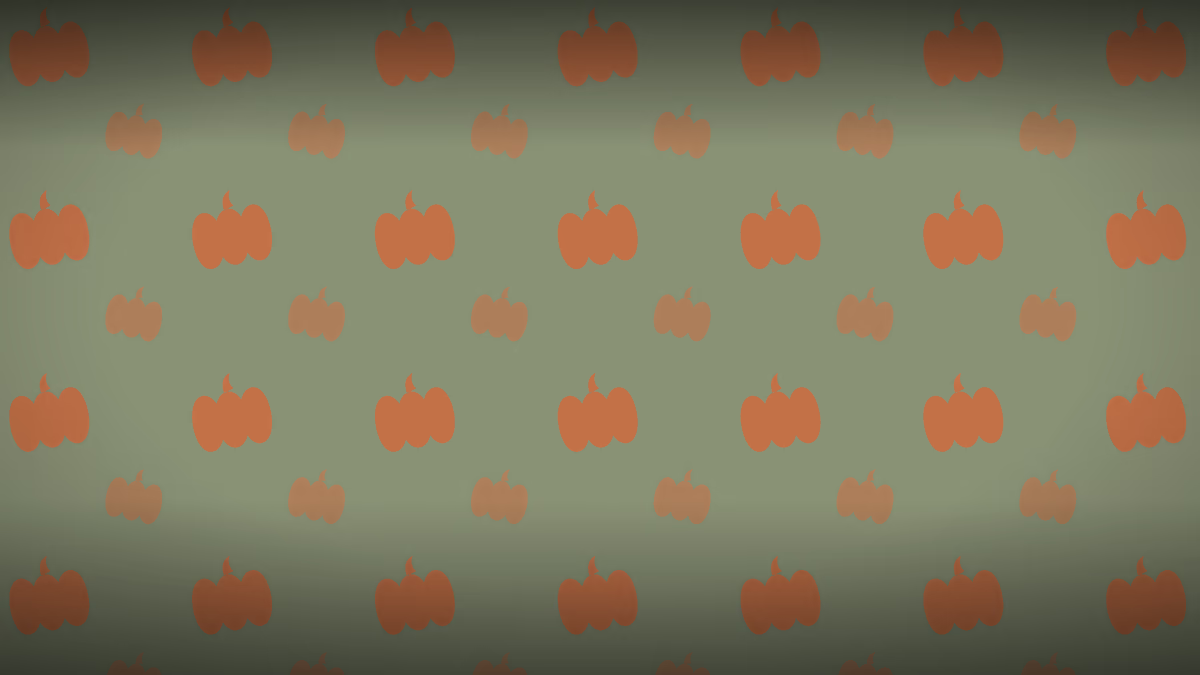
Pumpkin Patch
Muted terracotta pumpkins on sage. Autumn without the neon orange.
-
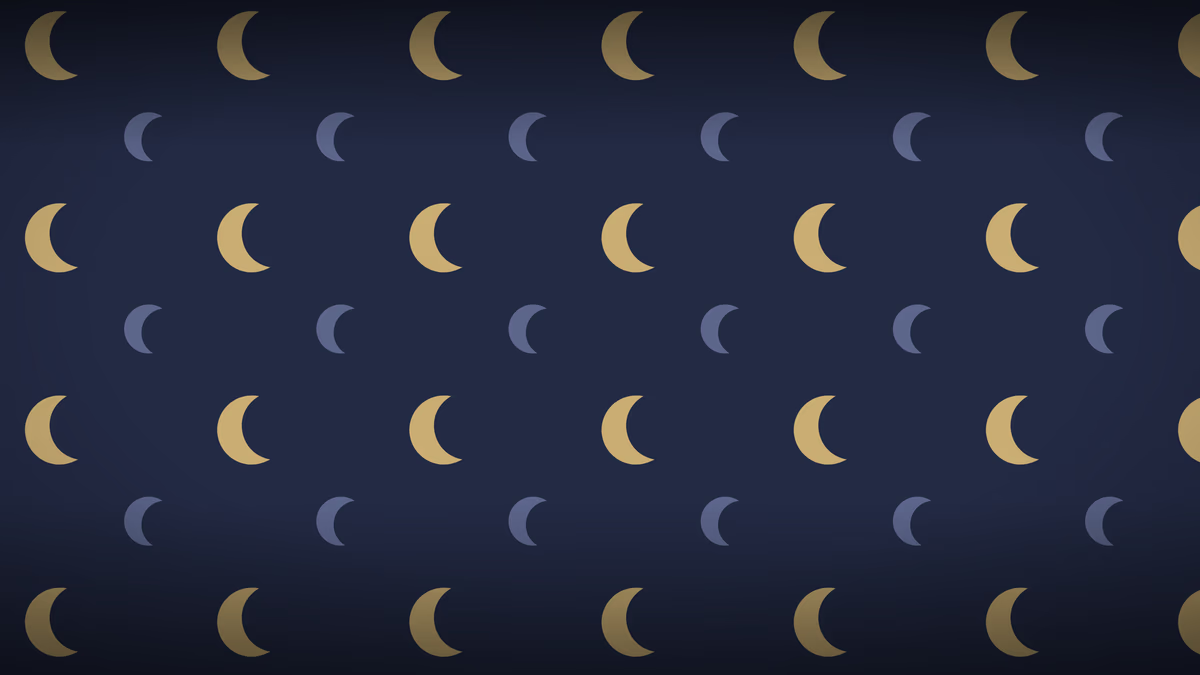
Moons and Stars
Antique gold moons and small stars on deep midnight blue.
-
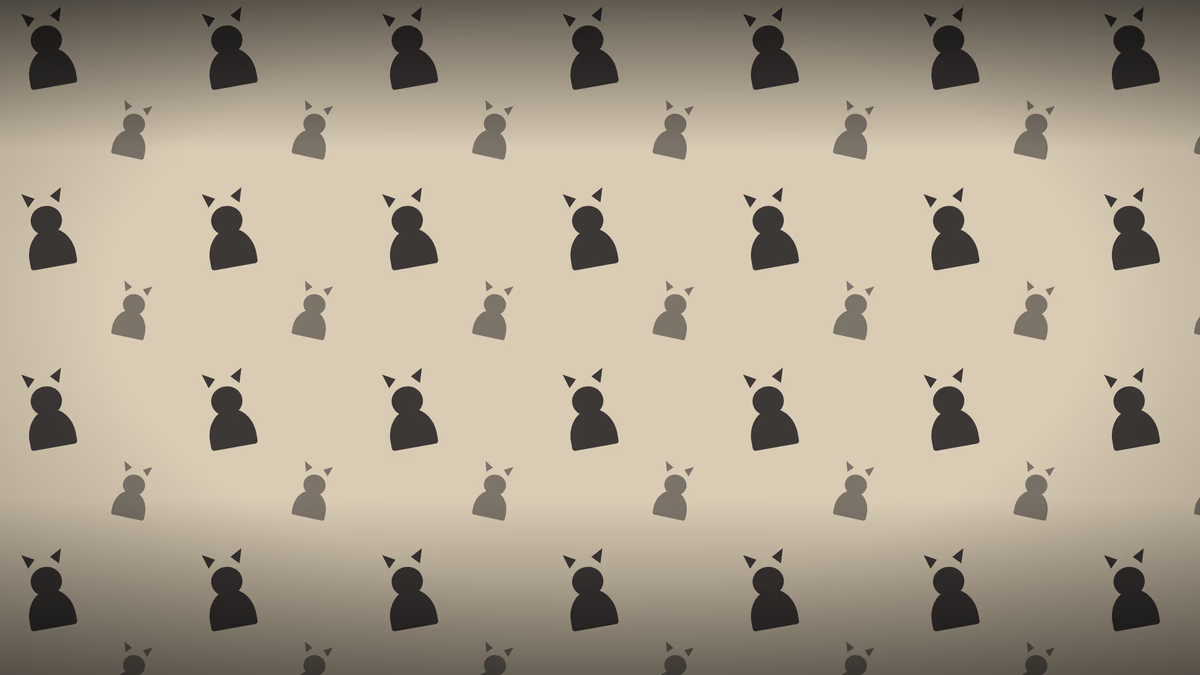
Black Cats
Soft black cats on warm oat. The lightest wallpaper in the set.
-
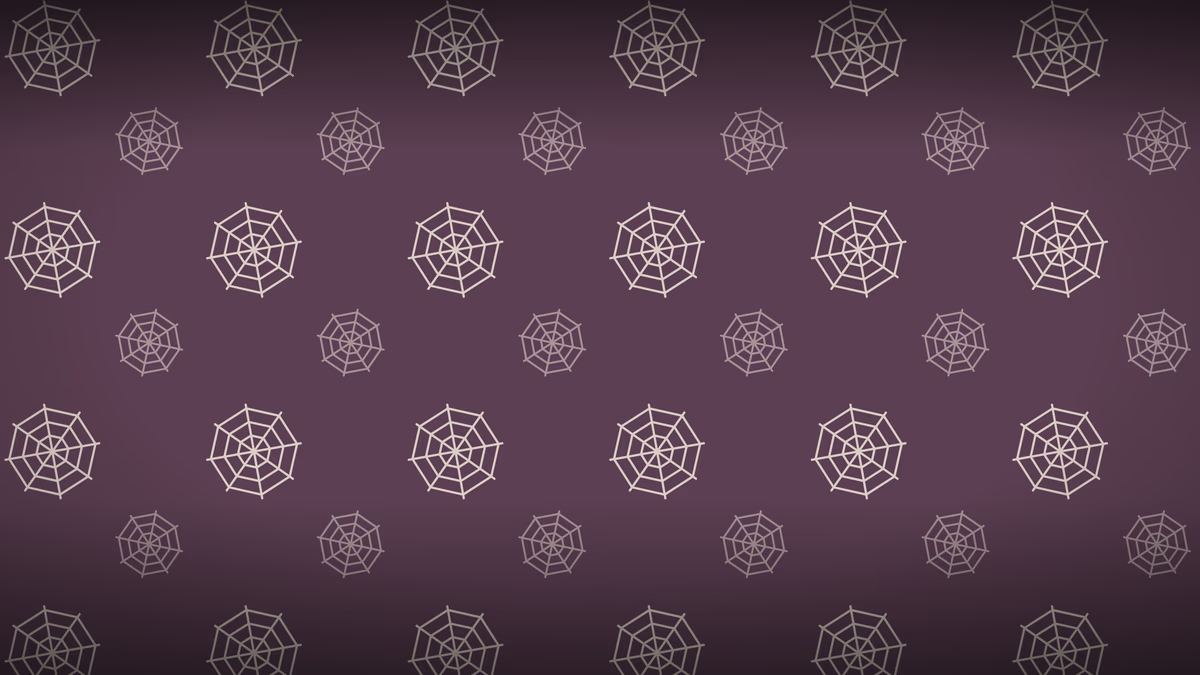
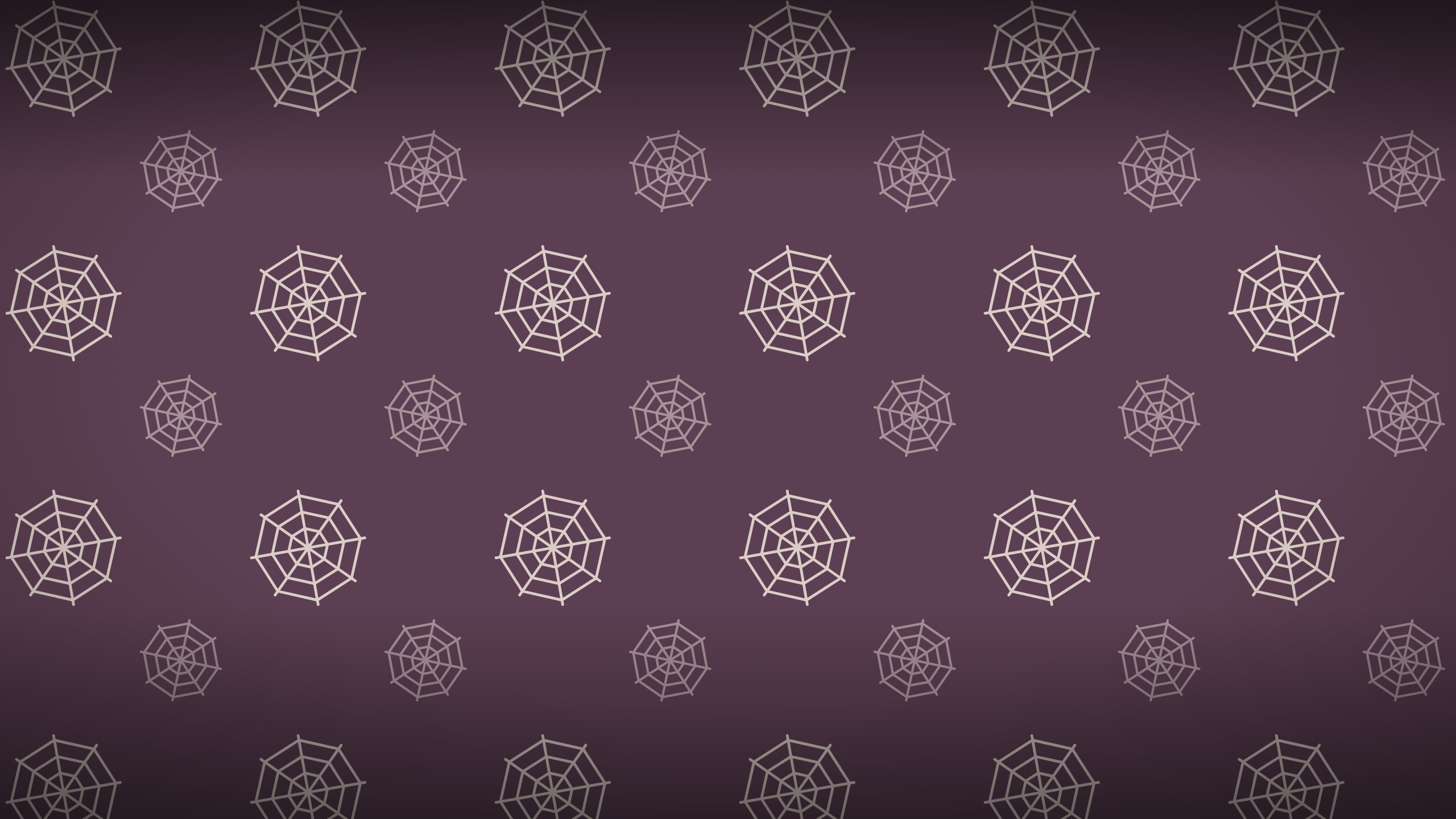
Spun Webs
Pale spun webs on muted plum. The least busy behind app icons.
-
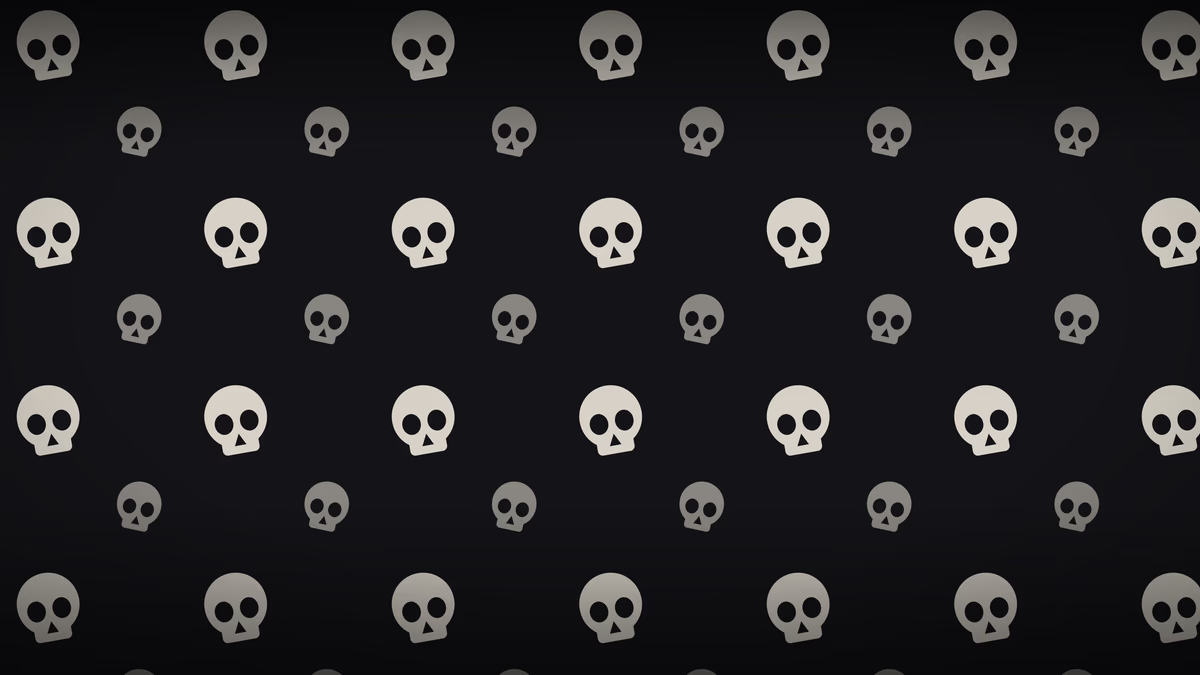
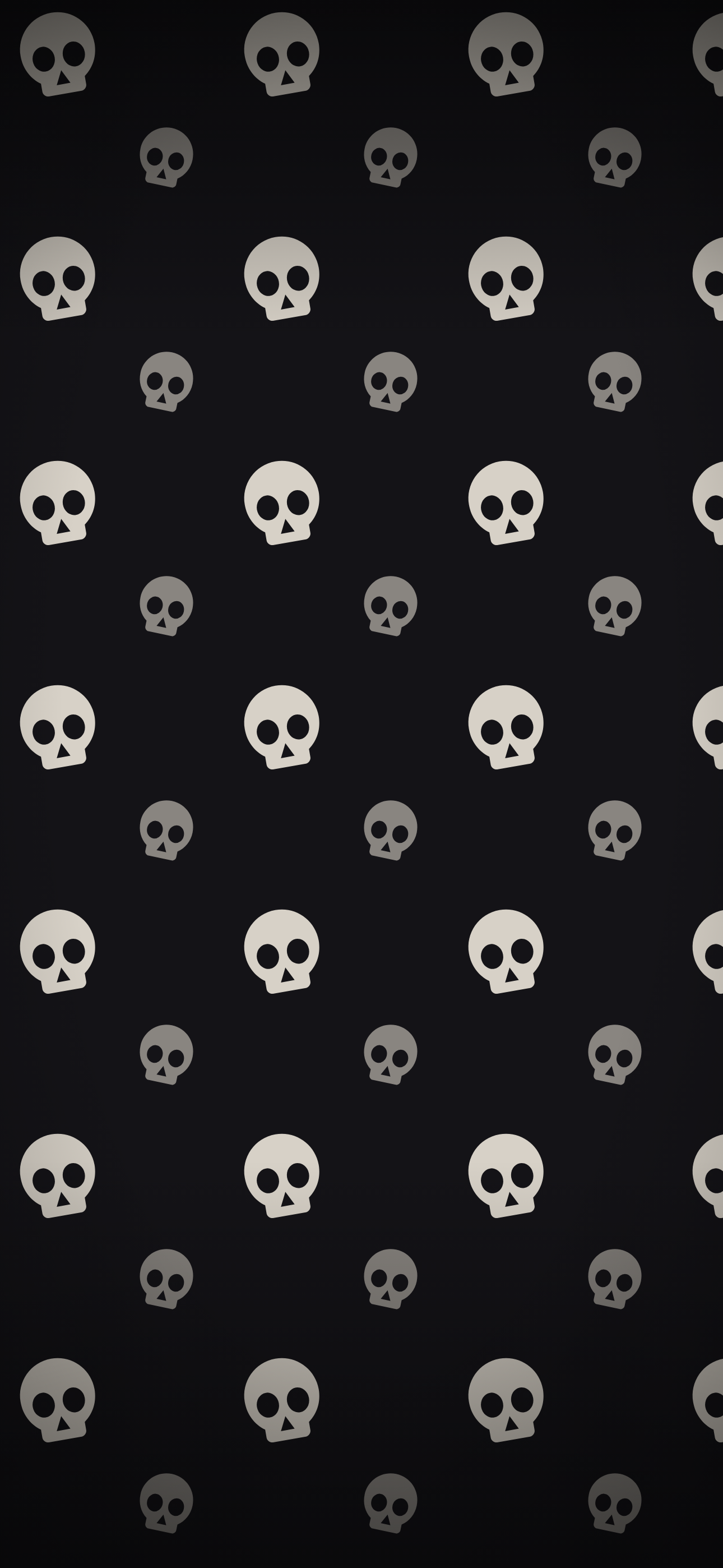
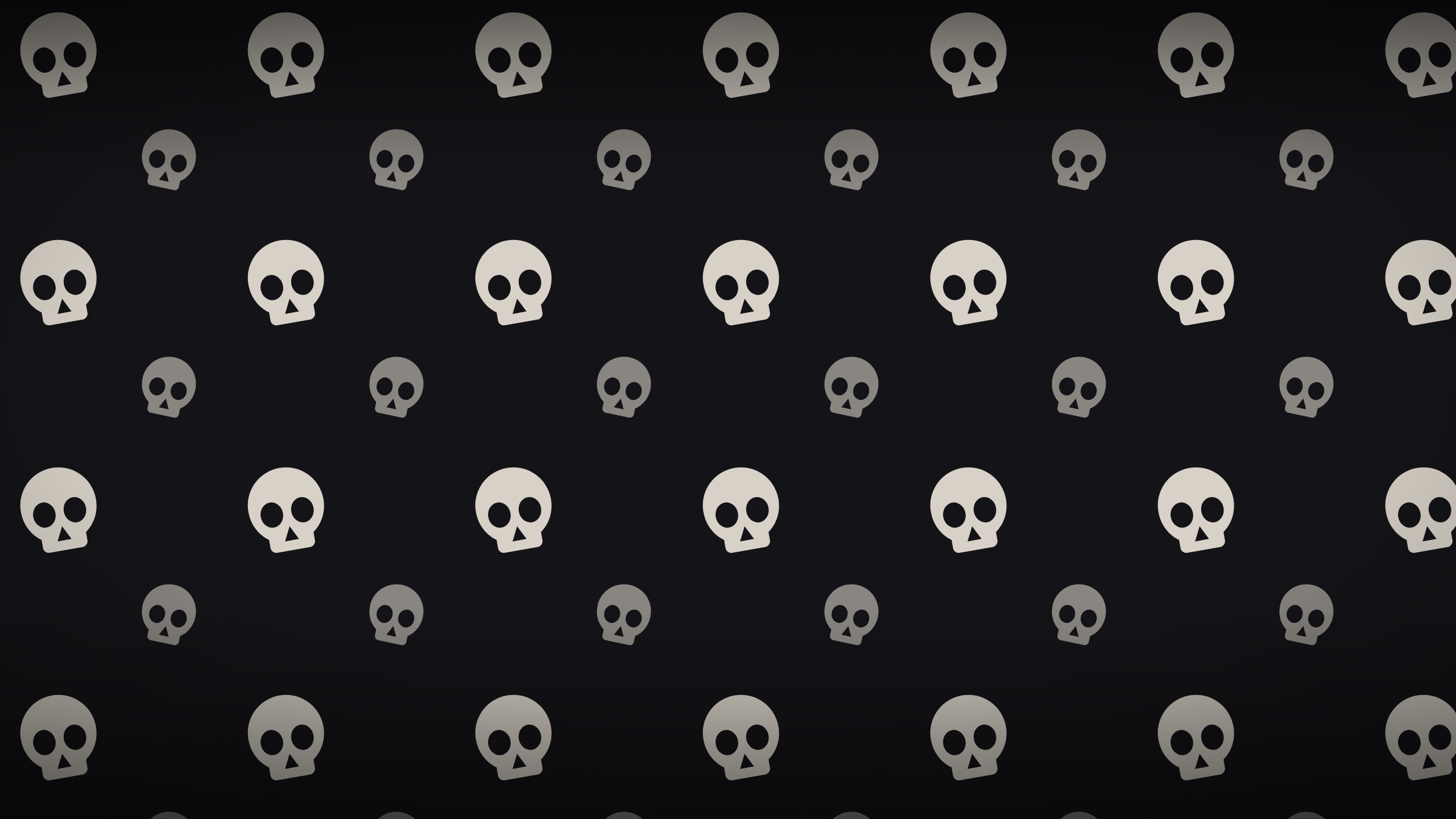
Bone White
Bone white skulls on near black. The darkest wallpaper in the set.
-
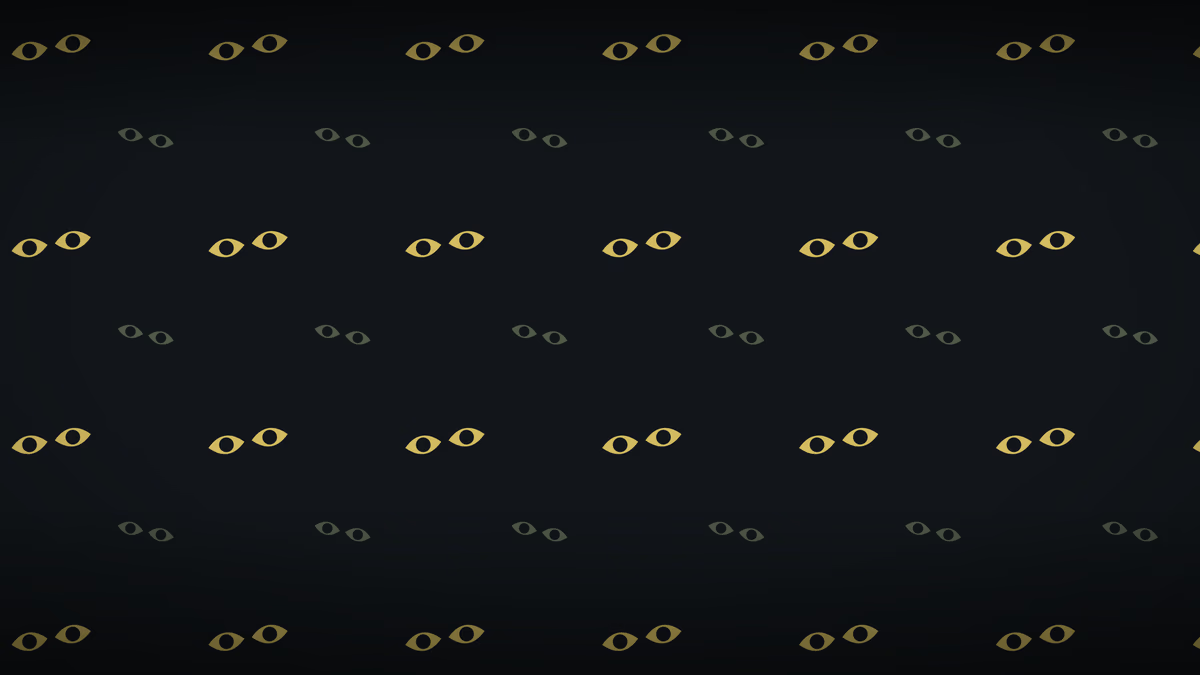
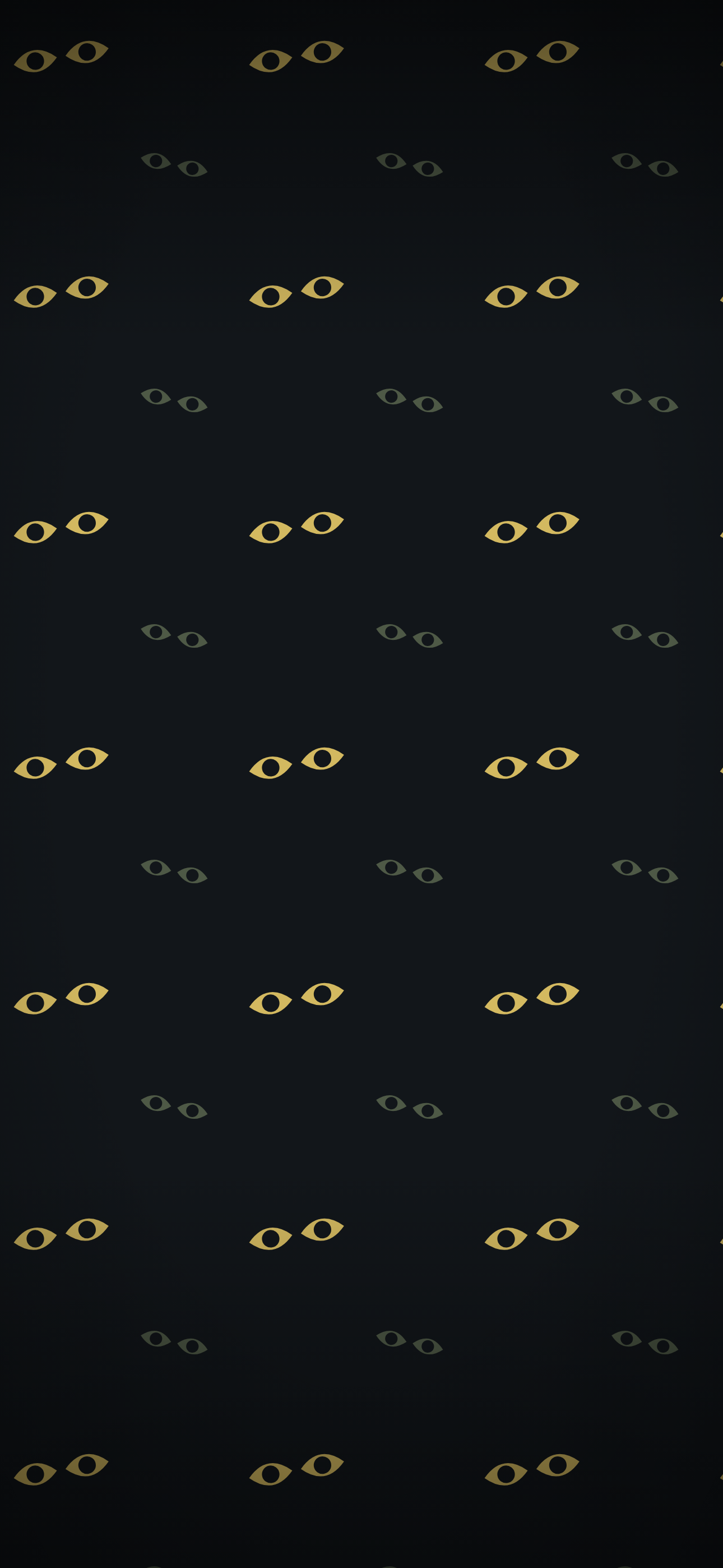
Something Watching
Pairs of eyes opening in the dark. Reads as pattern from a distance and as eyes up close.
-
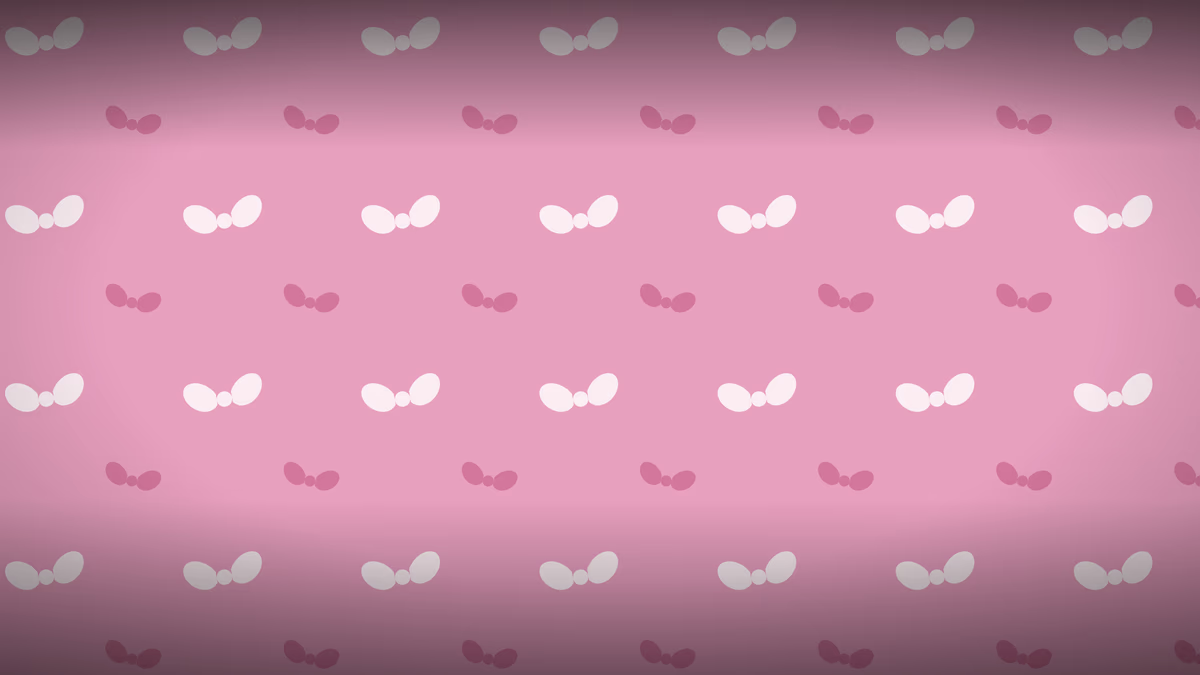
Preppy Bows
Cream and berry bows on bright pink. The loudest wallpaper here, and deliberately so.
-
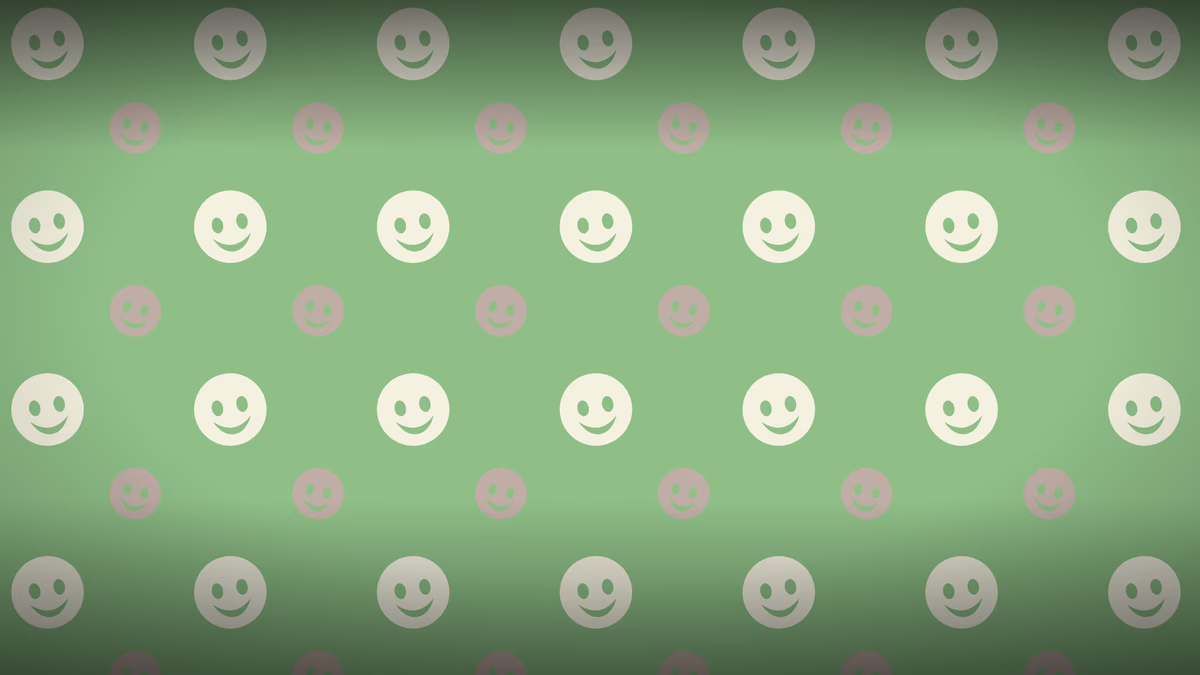
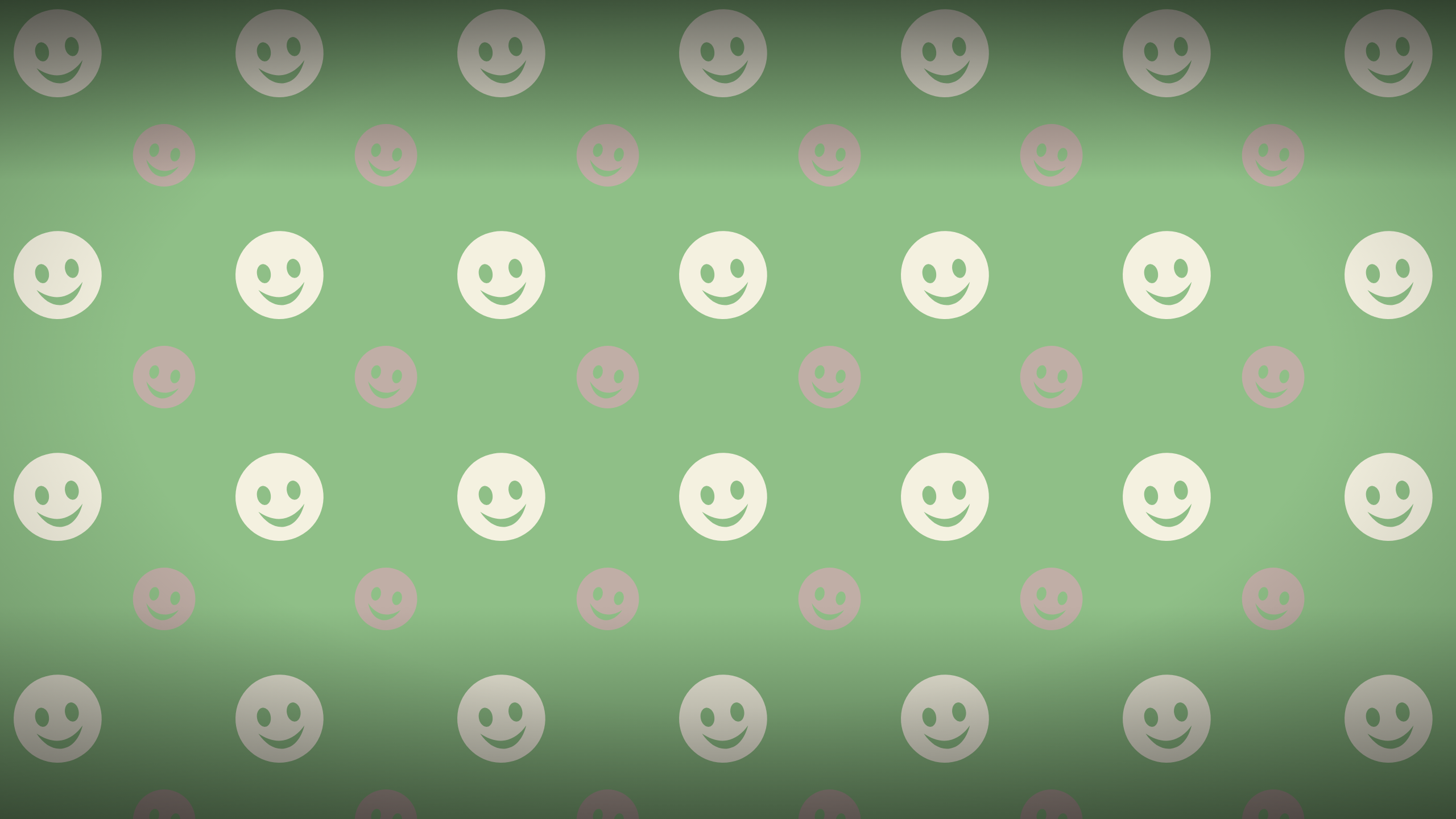
Preppy Smileys
Grinning faces on preppy green with pink accents. Y2K rather than gothic.
-
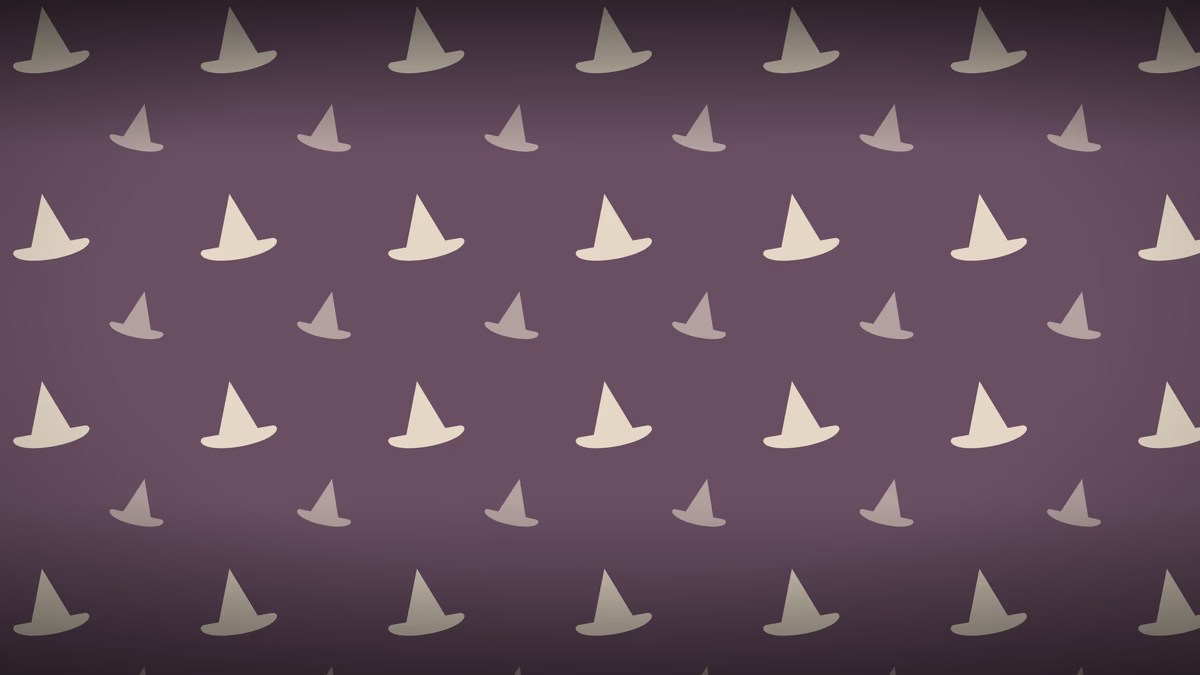
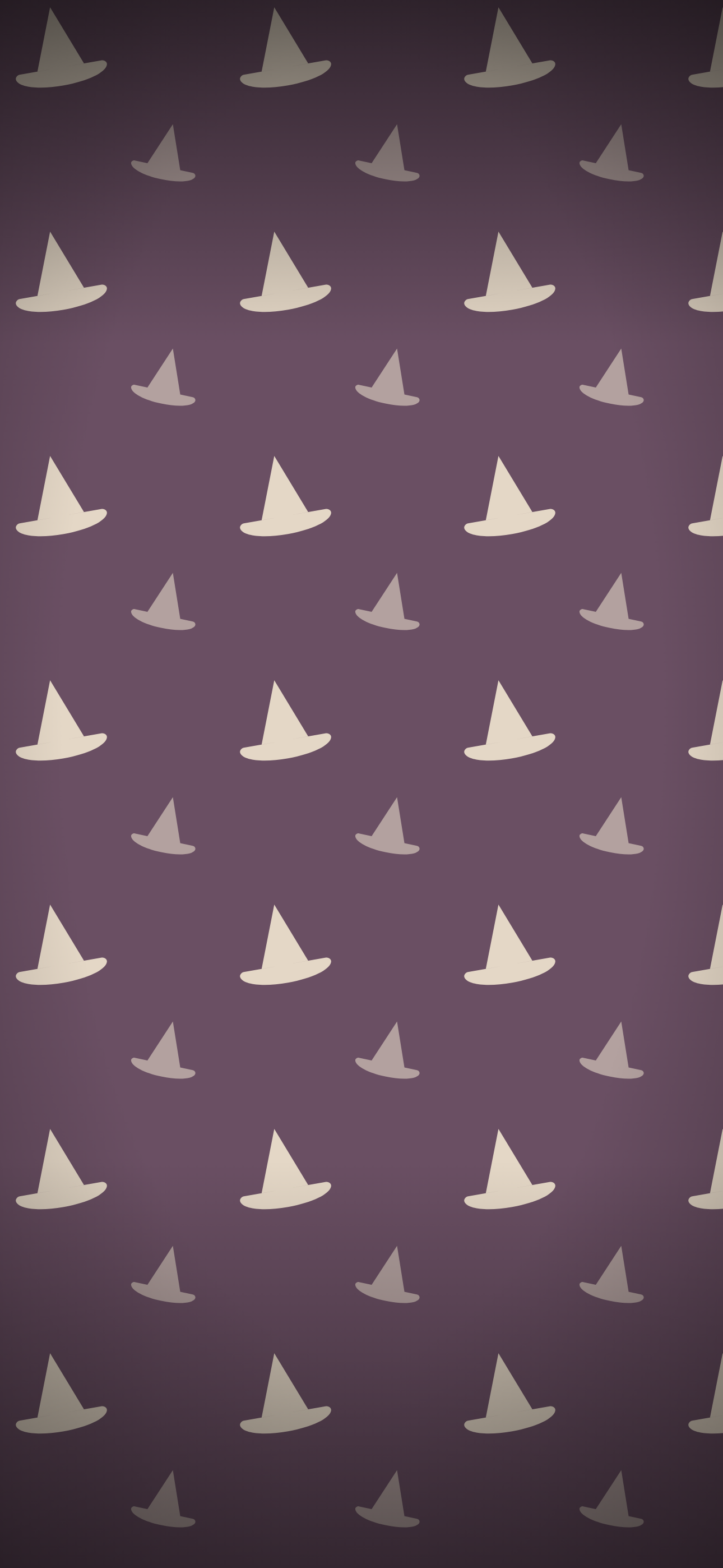
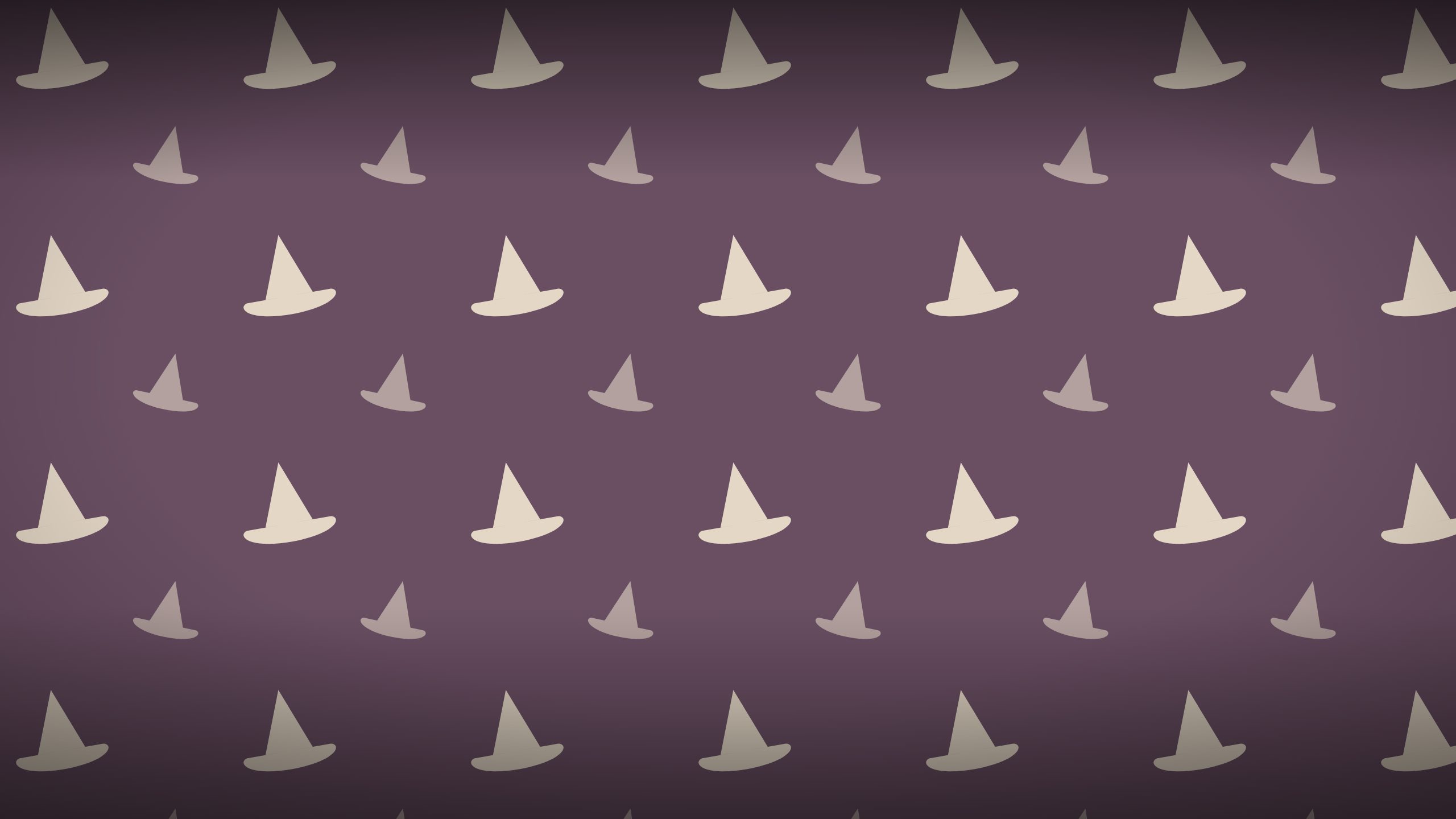
Witch Hats
Aged cream witch hats on faded plum. The most classically Halloween of the set.
-
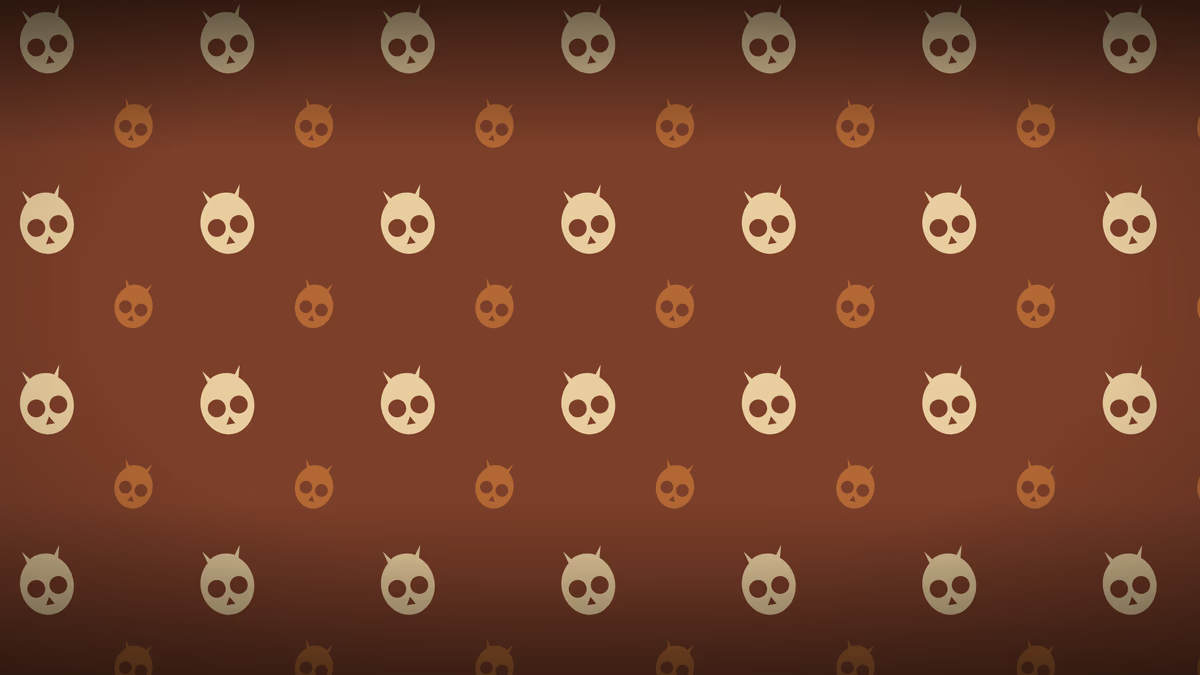
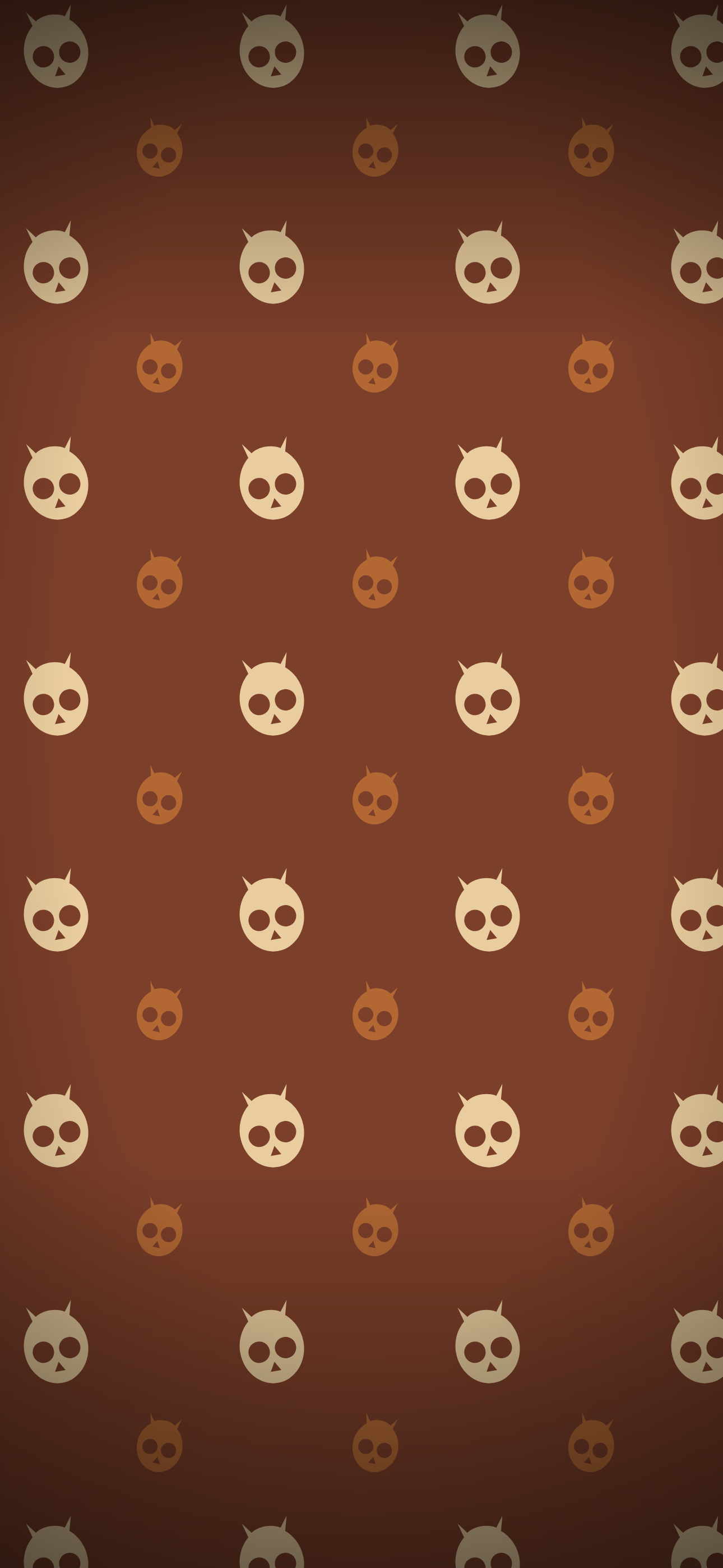
Night Owls
Cream and amber owls on deep rust. Retro palette, not supermarket orange.
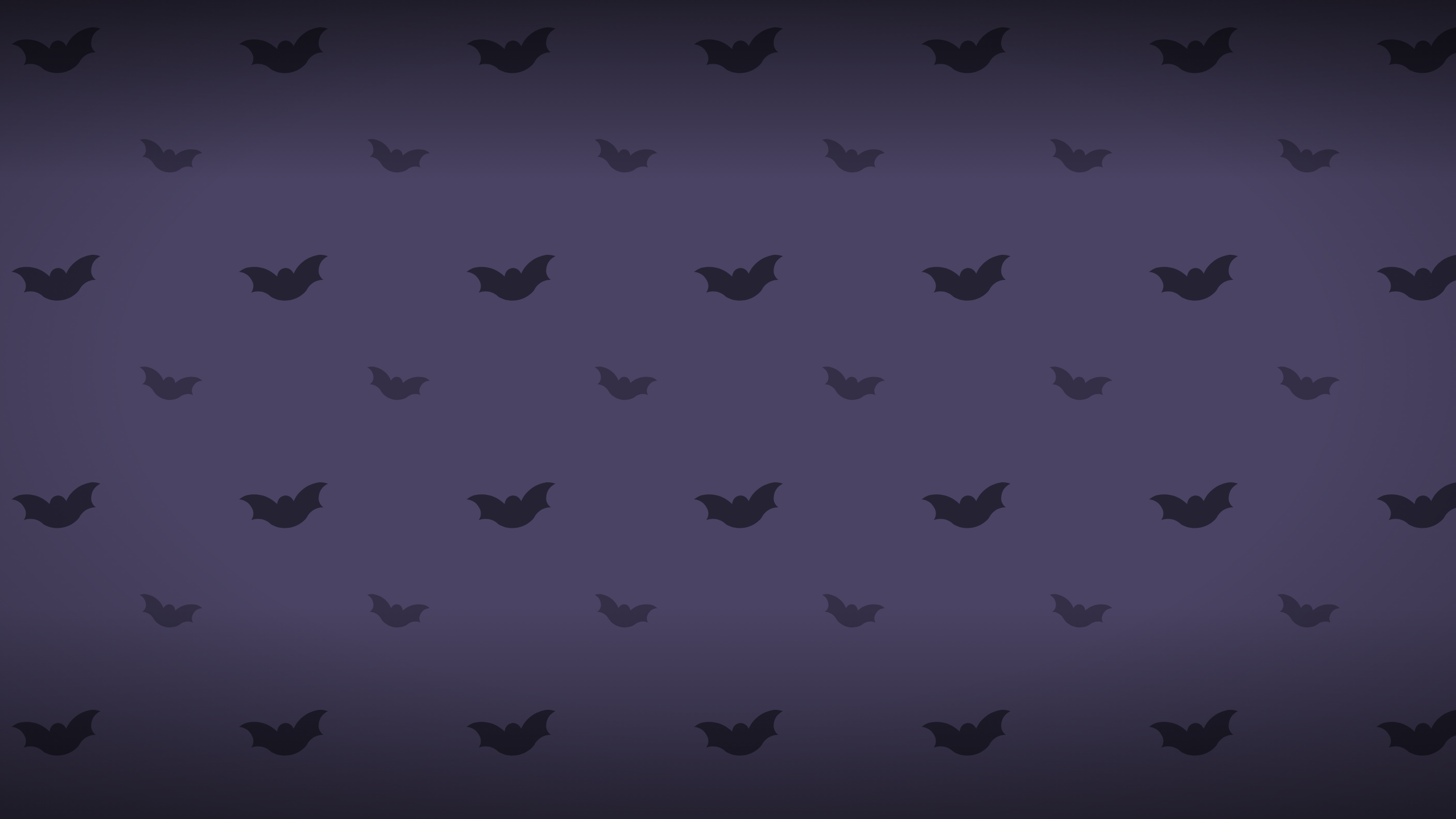
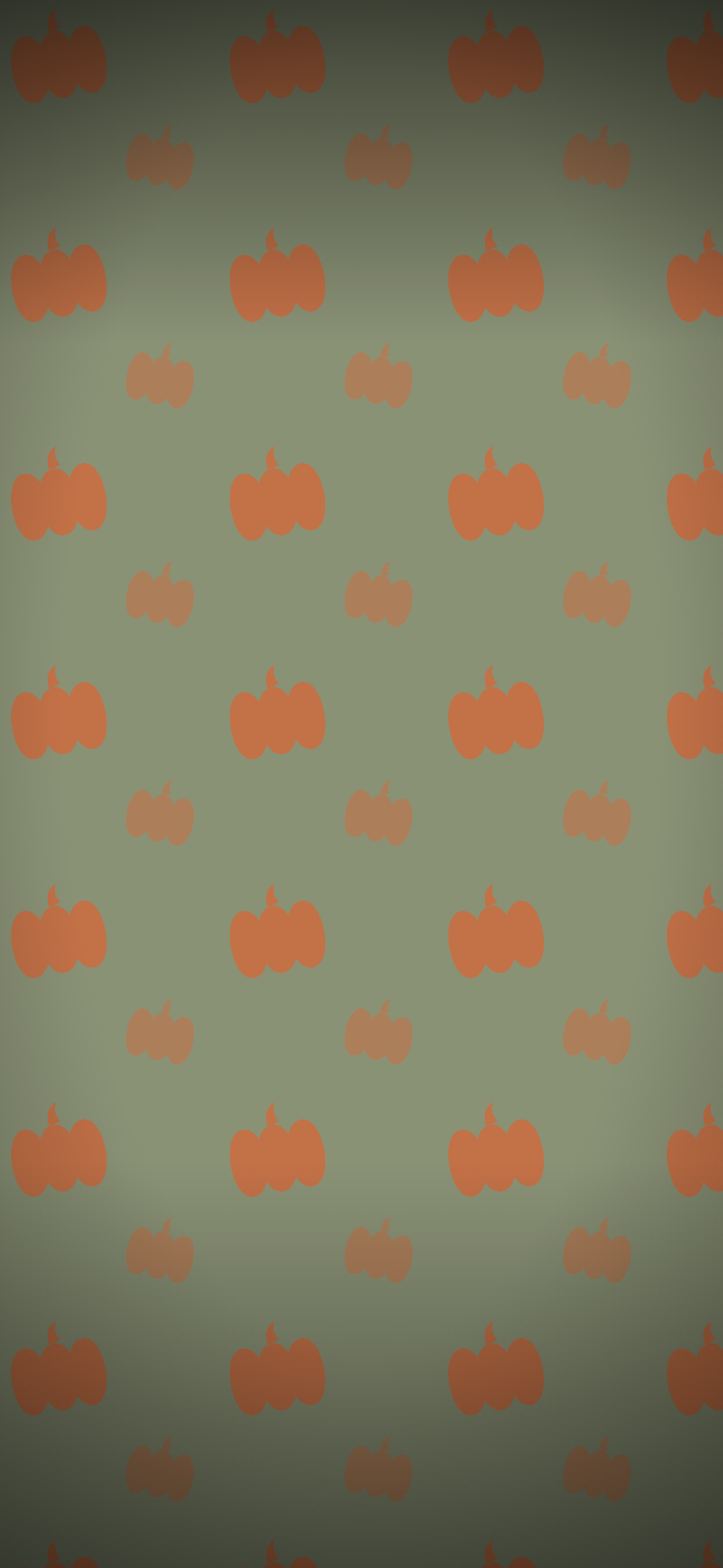
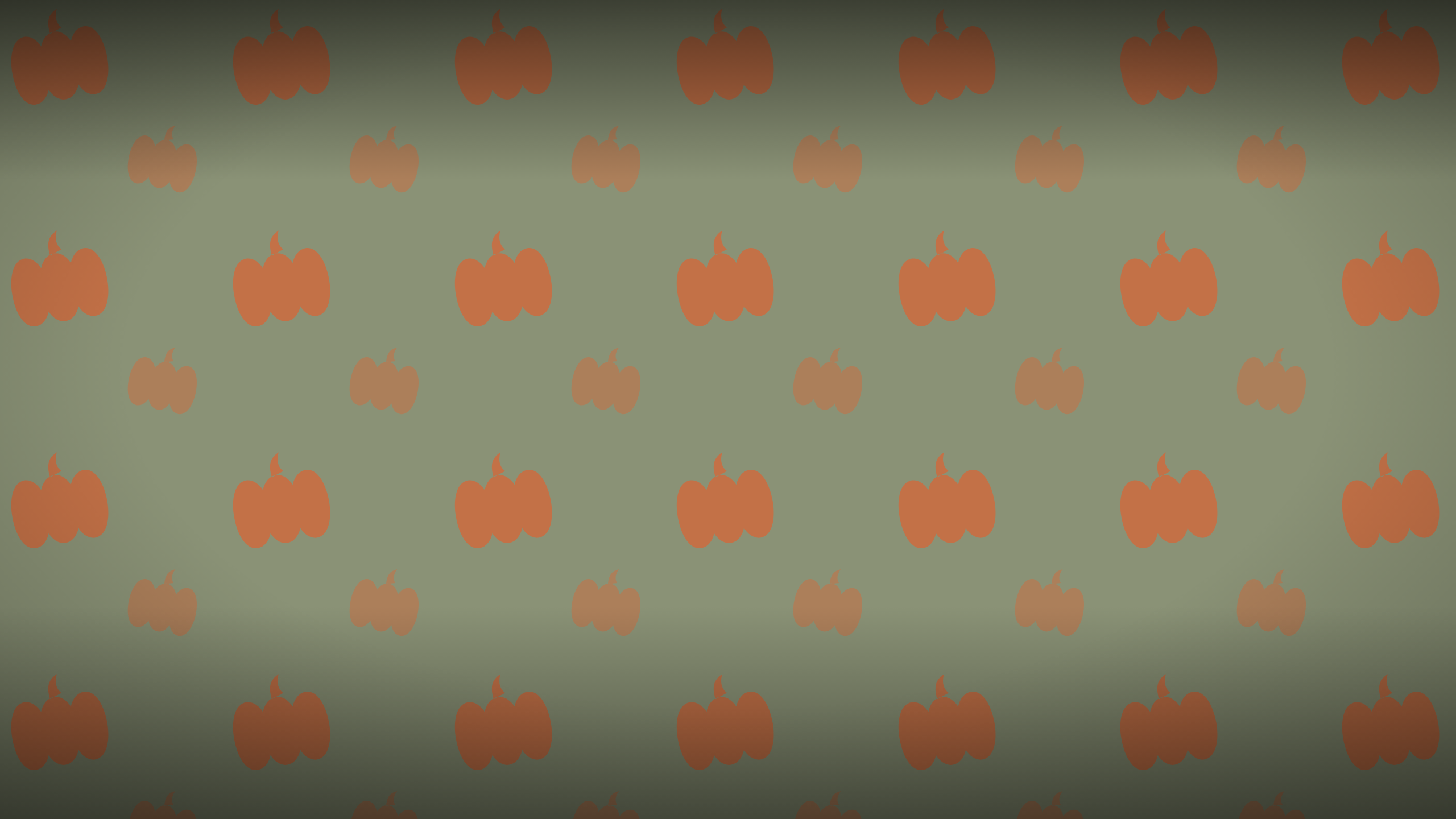
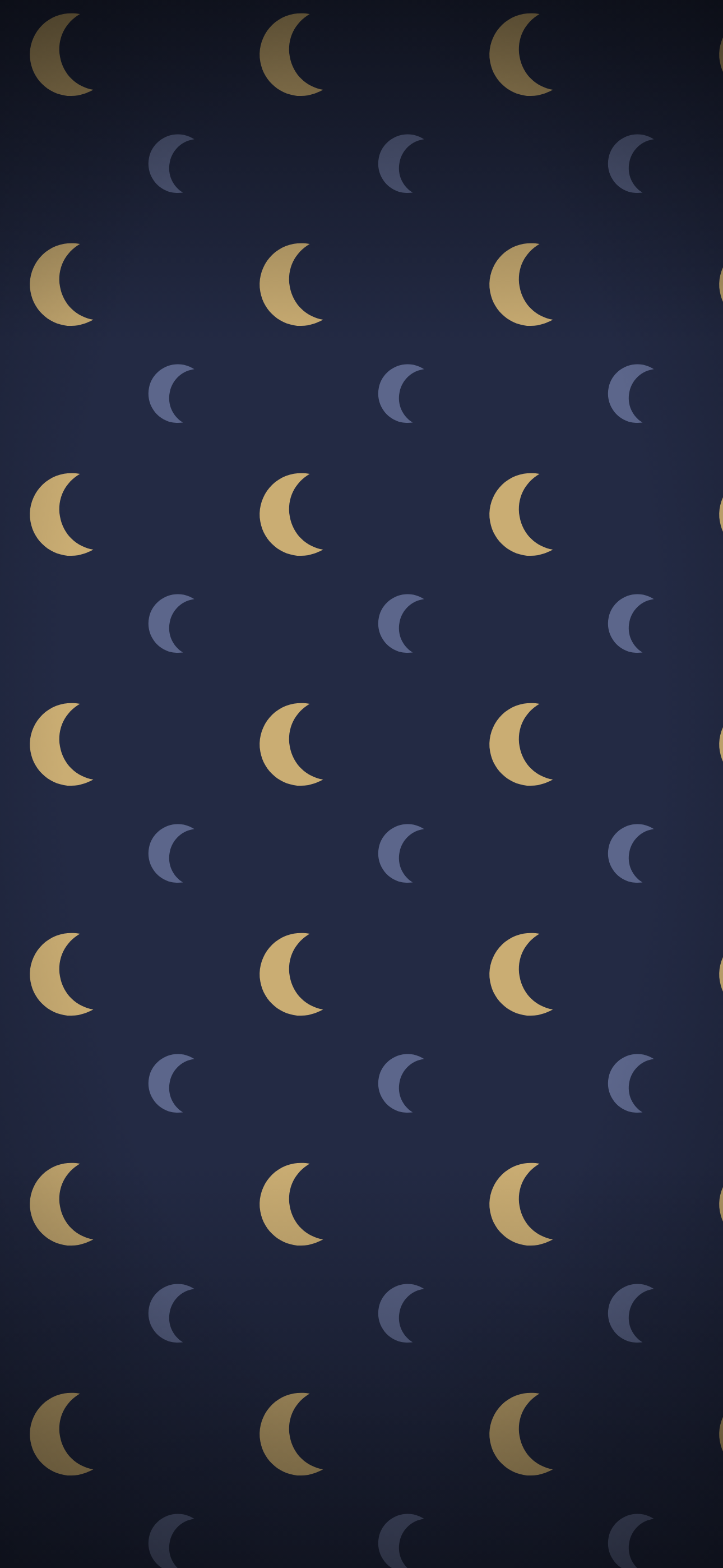
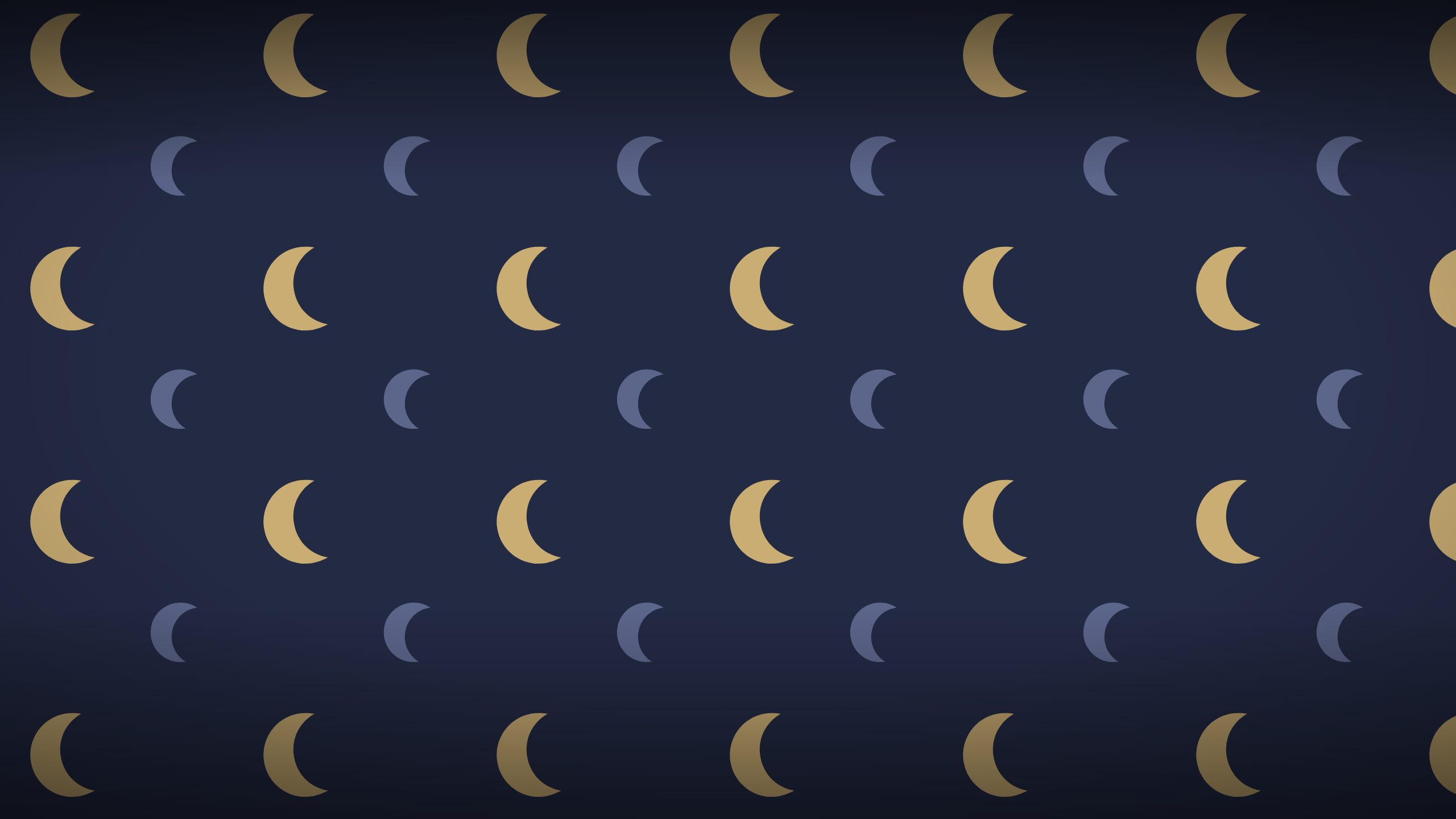
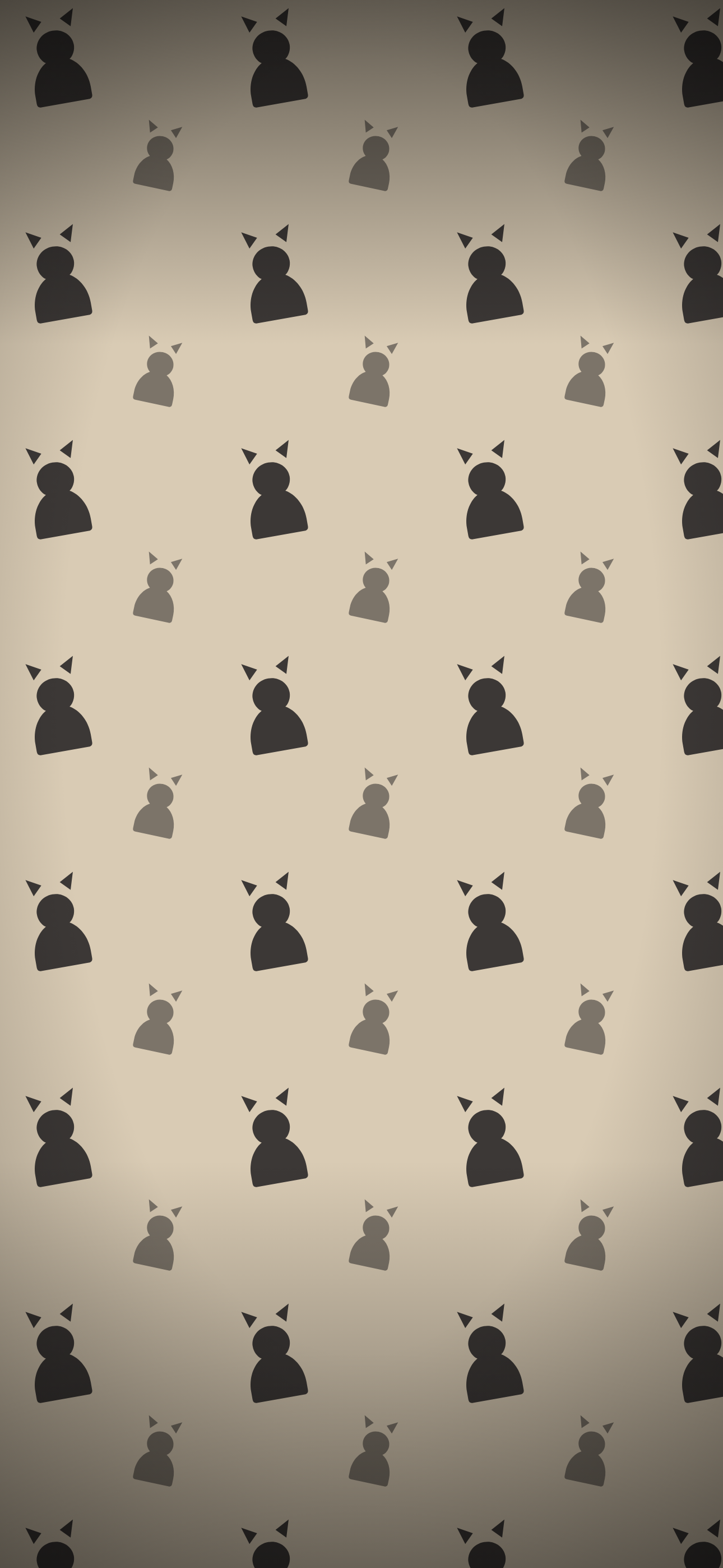
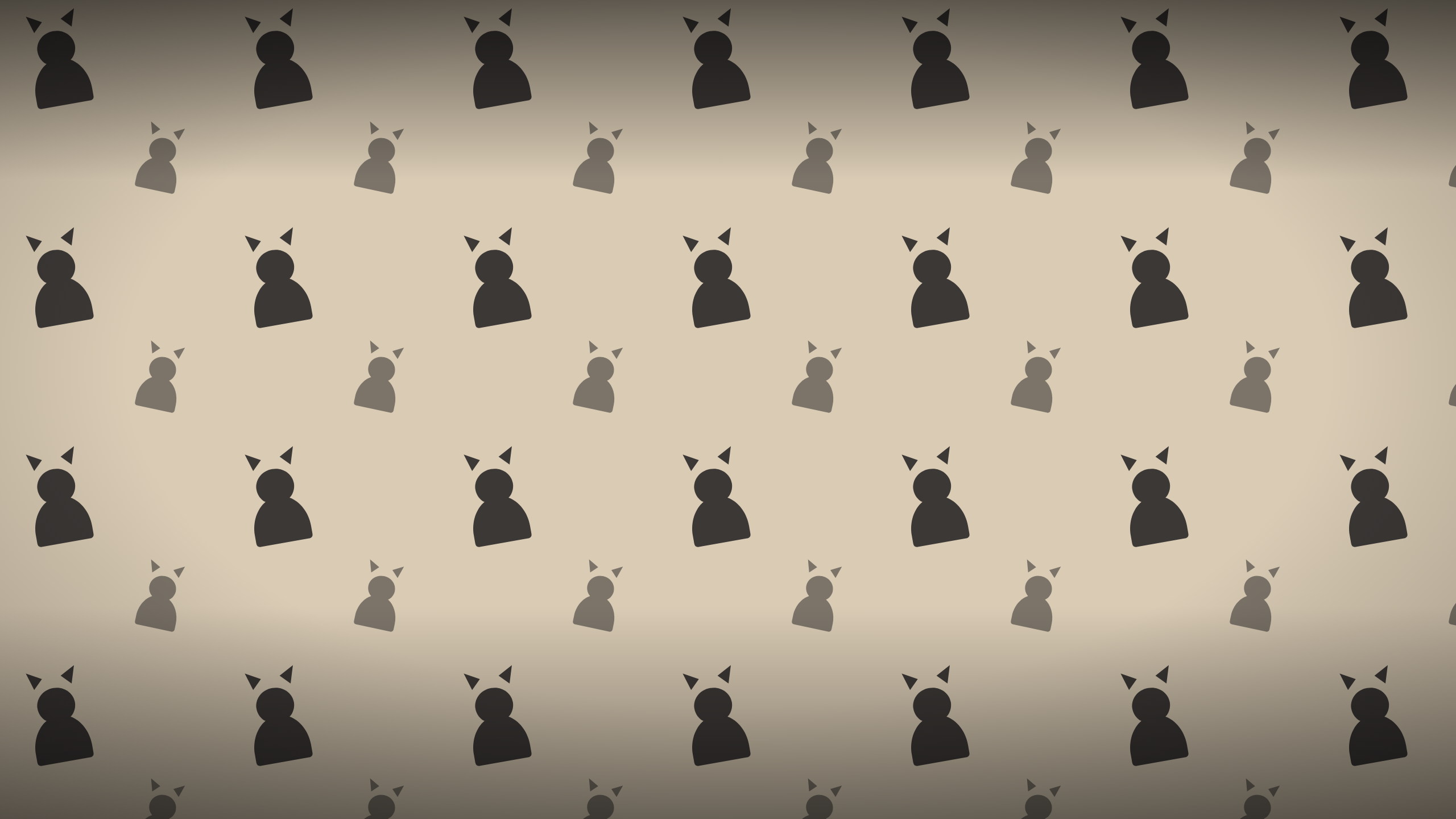
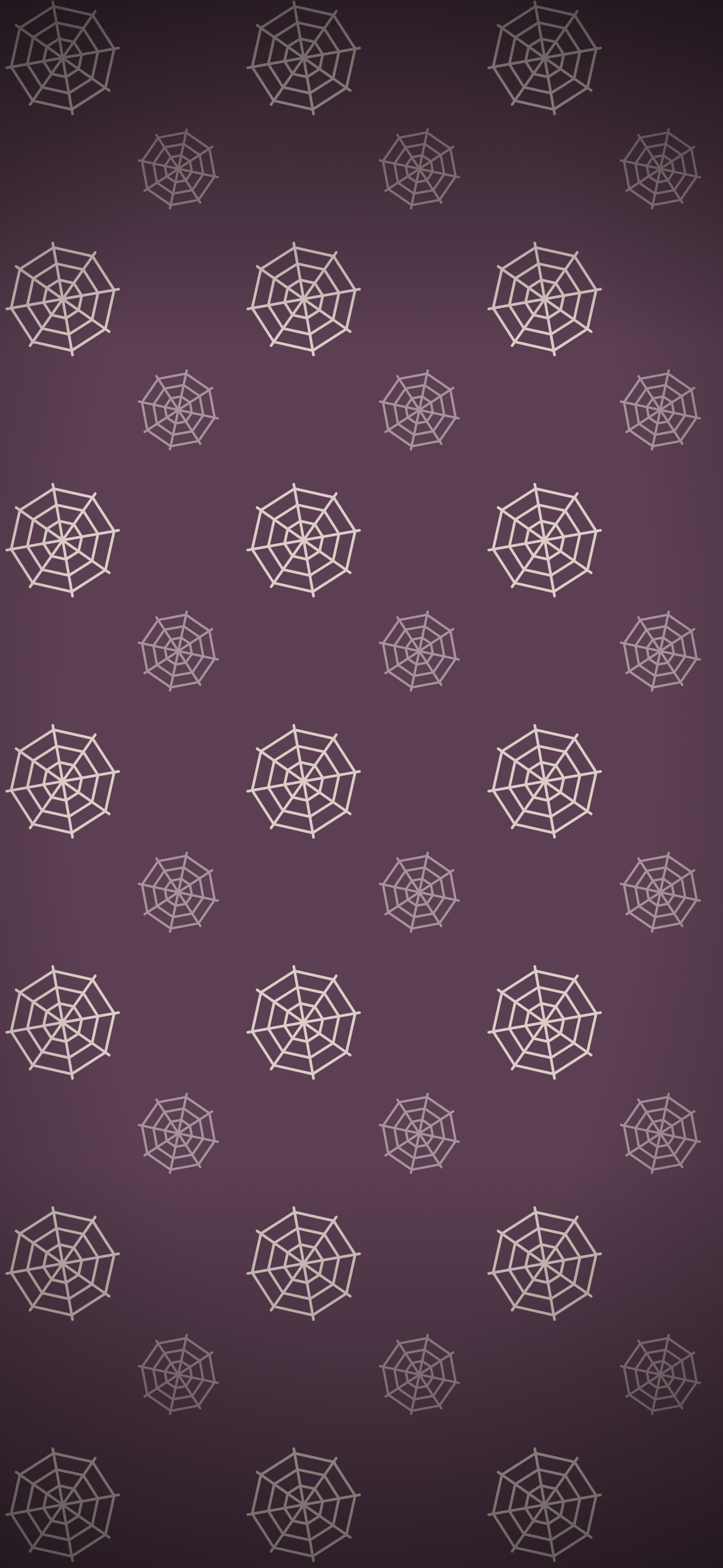
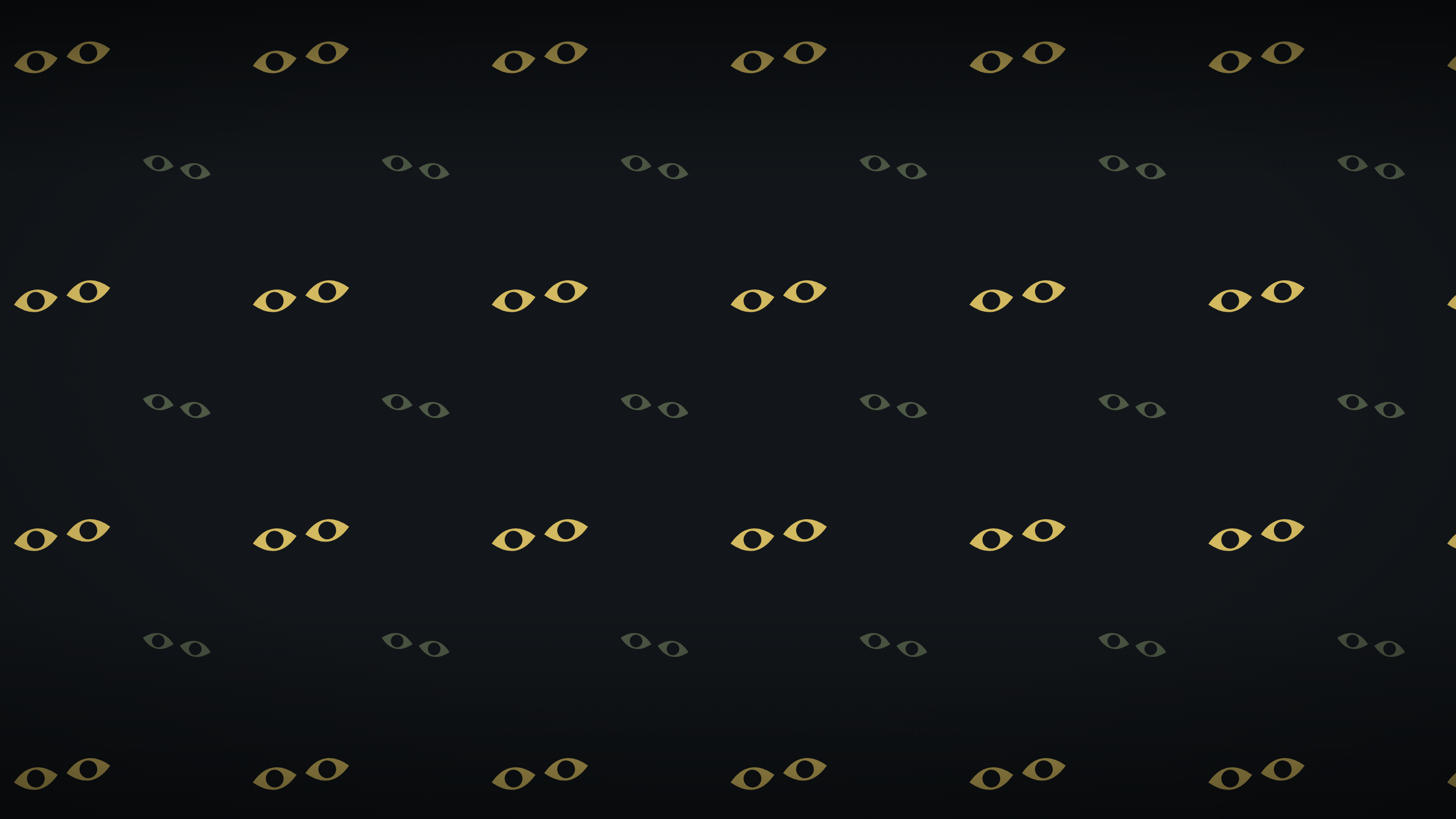
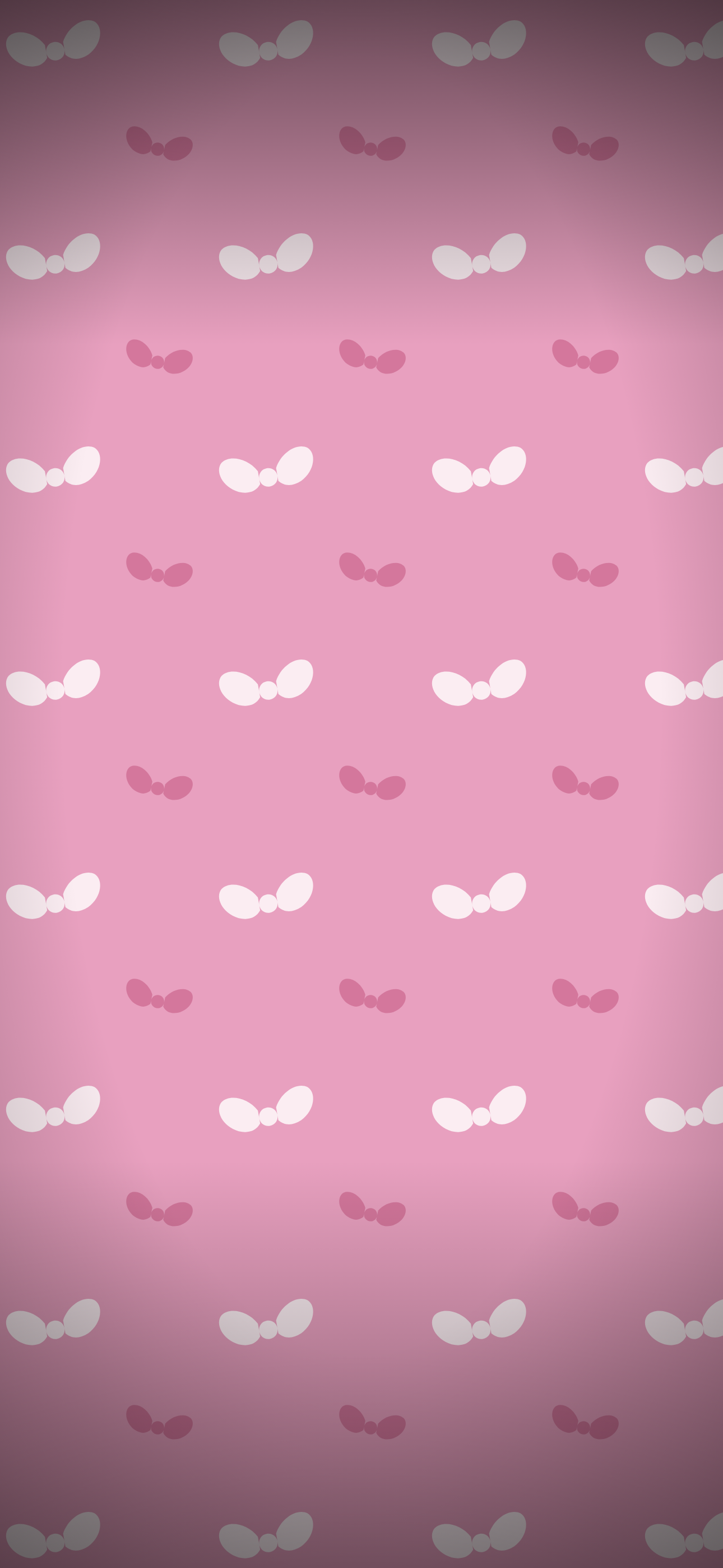
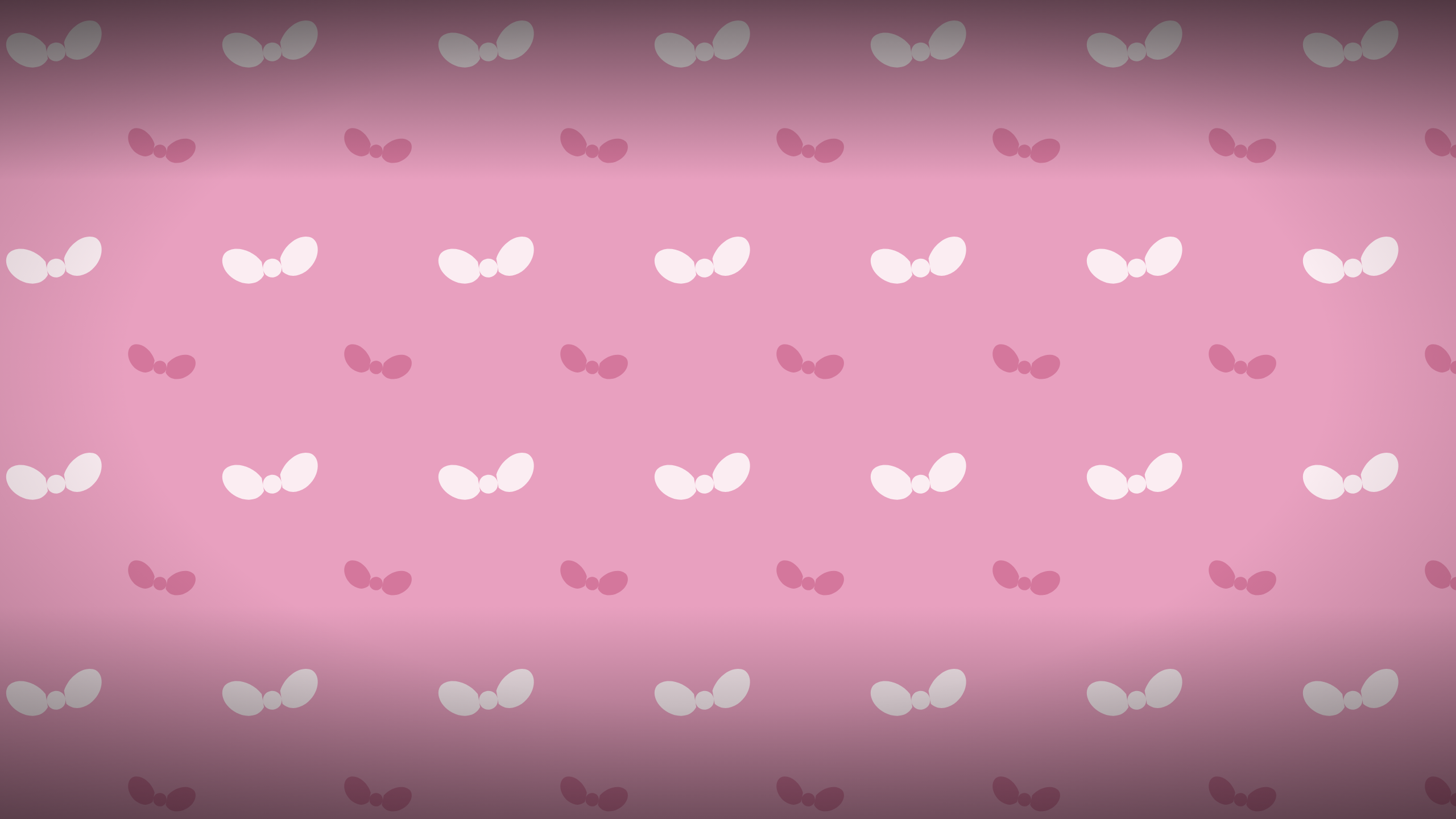
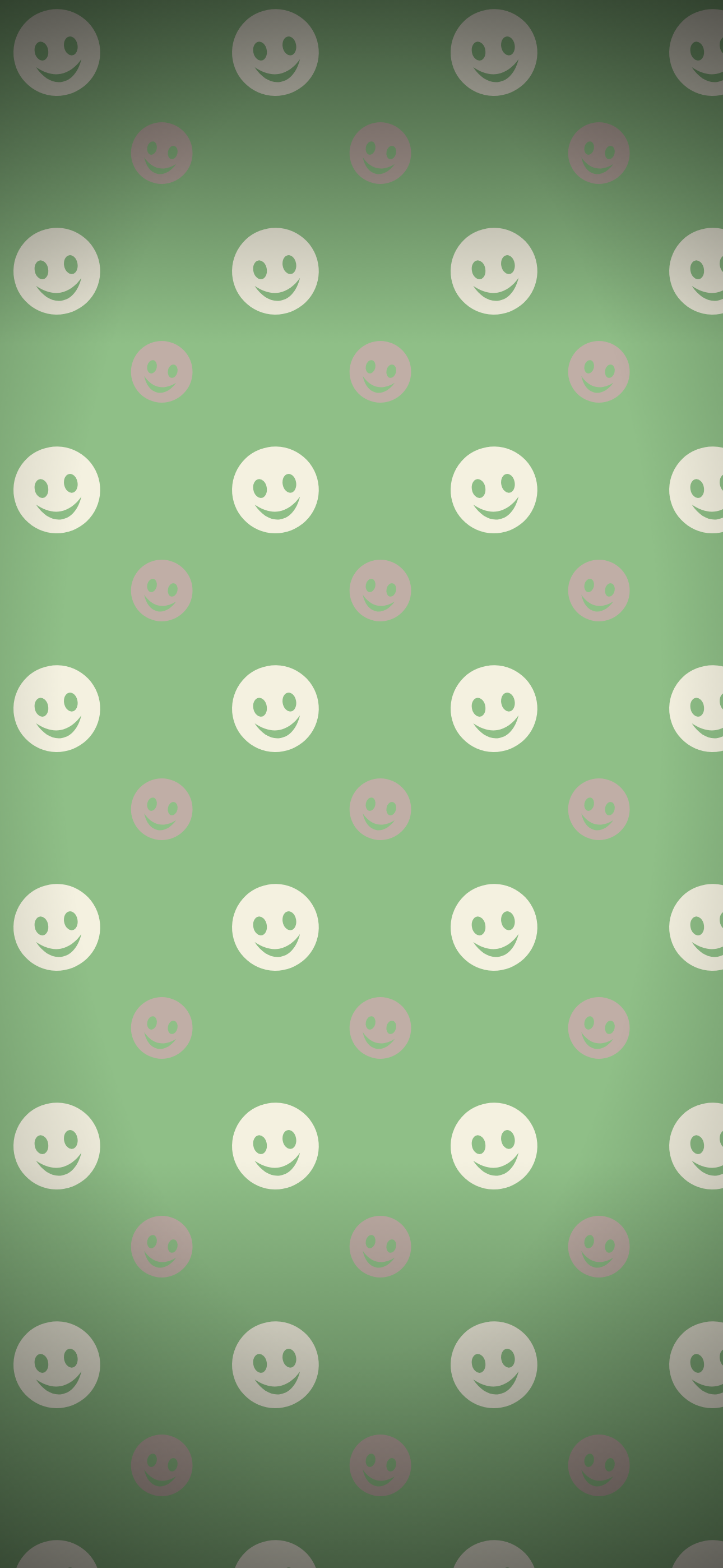
Twenty-four Halloween wallpapers across twelve designs, free to download. No signup, no watermark, and nothing stamped across the middle of the image.
Filter the gallery above by style. There are five lanes, because people want very different things from a Halloween background:
- Cute and aesthetic: muted palettes, soft motifs, calm enough to live behind your apps for a month
- Scary: bone white skulls on near black, and eyes that open in the dark
- Preppy: the bright pink and green end, bows and grinning faces
- Vintage: retro palettes, witch hats and night owls
- Minimal: the least busy designs, for a full home screen
Every design comes as a high resolution phone background and a matching desktop one, so your laptop and your phone can agree with each other.
Which One Works Behind App Icons
This is the thing most wallpaper collections do not tell you, and it is the only question that matters once the wallpaper is actually on your phone.
Busy patterns fight your icons and make labels hard to read. If your home screen is full, pick from the minimal chip: Spun Webs, Moons and Stars, and Something Watching have fine lines and widely spaced motifs, so they leave the most quiet space between elements.
Dark backgrounds suit a full home screen. Bone White, Something Watching, and Moons and Stars are the darkest here, and white icon labels sit cleanly on all three.
Light backgrounds are lock screen wallpapers. Black Cats, Preppy Bows, and Preppy Smileys are pale enough that white labels disappear into them, so they work better somewhere nothing is sitting on top.
Drifting Ghosts, Pumpkin Patch, and Preppy Smileys have the densest motifs. Lovely on a lock screen or a desktop, busy behind a full grid of apps.
Every design is drawn with a deliberate falloff at the top and bottom, darker at both ends, so the clock at the top and the dock at the bottom of a phone screen stay legible against the pattern instead of competing with it.
Sizes
Phone files are 1290 by 2796, which is the iPhone 15 and 16 Pro Max canvas. That is the largest common phone screen, so the file scales down cleanly to any smaller phone. Scaling up would soften it, which is why we did not size for a smaller screen.
Desktop files are 2560 by 1440. A 4K version would be four times the file weight for a wallpaper most people view at 1440p or below.
Setting The Wallpaper
iPhone. Save the image to Photos, then Settings, Wallpaper, Add New Wallpaper, Photos, and pick it. Turn off Perspective Zoom if you want the pattern to stay exactly as it is when you tilt the phone.
Android. Save to your gallery, long-press the home screen, tap Wallpapers, choose from your photos. Android crops aggressively, so pinch to fit rather than letting it fill.
Mac. System Settings, Wallpaper, Add Photo, and choose Fill Screen.
Windows. Right-click the desktop, Personalise, Background, Picture, and set Choose a fit to Fill.
Licence
Free for personal use. Put them on your phone, your laptop, your work monitor. Please do not resell them or bundle them into a paid pack.
Pairs With
- Free Halloween Printables for the party side, from invitations to yard signs
- Halloween Charcuterie Board if you are hosting rather than just decorating a home screen
- Best Halloween Tableware for the same muted palette on an actual table