Getting a yard haunt to run itself takes three kinds of hardware: something that switches power on a schedule, something that notices a visitor, and a smart home app that ties the two together. The catch is that most Halloween gear was never designed to be switched on and off remotely, and the manuals say which pieces cooperate.
What a Smart Plug Actually Controls
A smart plug is a relay in a box. It cuts or restores power to whatever is plugged into it, and that’s all. What happens when power comes back is up to the device on the other end.
Fog machines show the gap. Chauvet DJ’s Hurricane 700 heats its fluid as soon as it has power, but it only makes fog from a button: “Trigger the Hurricane™ 700 using the included wired remote. The LED indicator on the remote indicates when the fogger has reached the required operating temperature. Press the button on the remote to momentarily output fog” (Hurricane 700 user manual). The manual’s feature grid marks “Auto Programs” as unsupported, and the remote is permanently wired. Put a Hurricane 700 on a smart plug and your schedule turns the heater on and off, and nothing else.
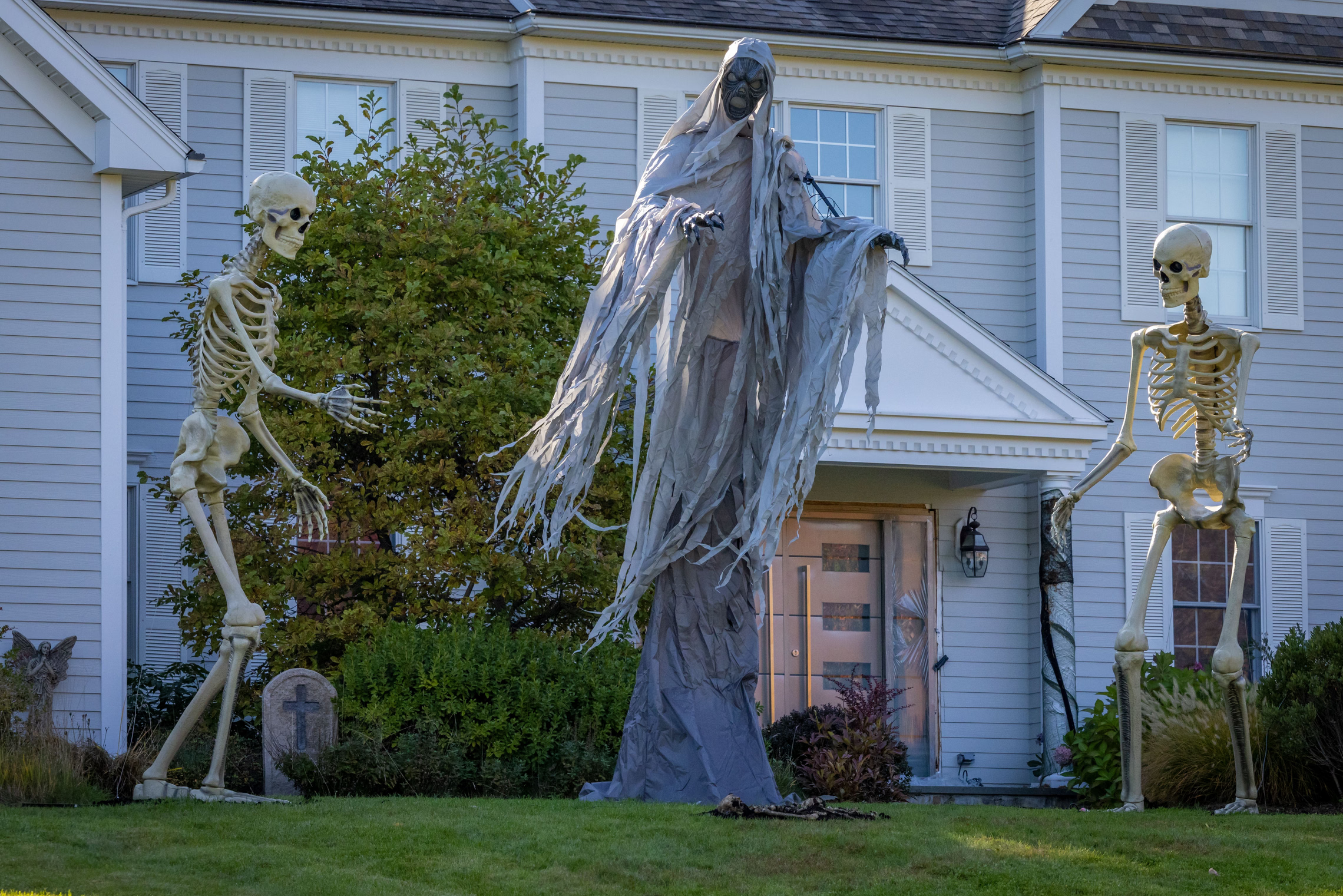
Store animatronics are the opposite case. Home Depot’s 12-foot Skelly manual says: “NOTE: The 12ft Giant Sized Skelly is compatible with external timers and preserves its setting when the power is turned OFF/ON” (12ft Giant Sized Skelly use and care guide). Leave it in the mode you want and a plug schedule wakes it up in that mode every evening. Props without that line in the manual may come back in a demo mode, or off.
The plug has its own power-cut behavior too. Some smart plug apps let you choose whether a plug comes back on, stays off or returns to its last state when power is restored. Look for that setting in your plug’s app, and test it by flipping the GFCI once. For a fog machine or anything else you want dark after an outage, you want it to come back off, so a tripped GFCI reset at 2 a.m. doesn’t restart the effect.
So before you buy anything, sort your display into three piles:
- Starts on power. Lights, projectors, most store animatronics with the external-timer line in the manual, sound boxes that play on power-up. A plug schedule runs these.
- Needs power plus a button. Fog machines without a timer, props with only a try-me button. A plug gives them power, and something else has to press the button.
- Has its own timer. Fog machines with a timer remote, props with a built-in on/off cycle. The plug sets the window, and the device does the rest.

Outdoor Smart Plugs: What the Manuals Rate Them For
Most smart plugs are indoor devices. For the yard, you want one the maker rates for outdoor use, and you want to read that rating in the datasheet or manual, since the marketing pages and the documents don’t always agree.
| Plug | Load rating | Water rating | Operating temp | Works with |
|---|---|---|---|---|
| Tapo P400M (2 outlets) | 15 A, 1800 W total across both outlets; 8 A incandescent; 1/6 HP motor | IP65 | -4°F to 122°F | Matter |
| Kasa EP40M (2 outlets) | 15 A, 1875 W (resistive), 1/2 HP motor, per Kasa’s product page | IP64 | 32°F to 104°F per the user guide; -4°F to 122°F per Kasa’s page | Matter |
| meross MSS620 (2 outlets) | 15 A total, 10 A max per socket | IP44 | 14°F to 104°F | Apple HomeKit, Alexa, Google Assistant, SmartThings |
| Tapo P430M dimmer | 300 W incandescent, 150 W LED | IP65 | -4°F to 122°F | Matter |
| Kasa KP125M | 15 A, 1800 W | None stated | 32°F to 104°F | Matter |
| Kasa HS300 strip (6 outlets) | 15 A, 1875 W total | “Indoor Use Only” | 32°F to 104°F | Alexa, Google Assistant |
| Eve Energy | 15 A, 1,800 W (US) | None stated | 32°F to 95°F | Matter over Thread |
Sources: the Tapo P400M datasheet, the Kasa EP40M user guide and product page, meross’s MSS620 page, the Tapo P430M datasheet, the KP125M datasheet, the HS300 datasheet and Eve’s spec page. Where a maker gave Celsius only, we converted.
The last three rows are indoor plugs. Use them in the garage or behind a window display, and keep them off the porch and out of the yard.
Two of the rows carry disagreements between a maker’s own documents. Tapo’s product page lists the P400M at “1/2 HP Motor,” while its datasheet says 1/6 HP. We went with the datasheet. The EP40M user guide gives an operating temperature of “0℃~40℃,” while Kasa’s product page says the plug handles “-4°F to 122°F (-20°C to 50°C).” Go by the guide on a cold night.
How the makers say to install them
The EP40M guide is the most detailed of the lot, and its warnings apply to any outdoor plug:
- “For outdoor usage, use this product with ground fault circuit interrupter (GFCI) outlet.”
- “Risk of Electric Shock. Do not plug into another relocatable power tap or an extension cord.” The smart plug goes straight into the GFCI outlet, and your extension cords run out from it.
- Keep it socket-down. The guide’s tips page says to keep it at least 12 inches off the ground; its warning list says “at least 2 feet off the ground” and to use “the plug’s mounting tag to hang from a screw.” The P400M datasheet says “keep the plug face down and at least 12 inches (1ft) from the ground.” Use 2 feet, which satisfies both.
- “DO NOT use with devices that should not be operated unattended, such as power tools.” Keep that one in mind for the fog section below.
- “Timer could turn-on unexpectedly without the user being present.” The guide’s fix is to “Unplug the appliance that is plugged into the receptacle(s) controlled by the timer before servicing.” Pull the prop’s plug before you reach into it, even if the app says it’s off.
The P400M’s 15 A is shared. Its datasheet footnote: “The total power of the connected electrical equipment should not exceed the max load current (15 A).” The meross is stricter per socket: meross lists “15A Max.(10A Max. for single socket).”
The P430M is a different animal. It’s a dimmer, and its quick start guide says “Traditional/dimmable lights only.” and “Do not connect an adapter or controller to the plug” (P430M quick start guide). That rules out fog machines, animatronics (which run on adapters), LED controllers and anything with a motor. Use it for plain string lights or floods you want to fade.

Tapo P400M Matter Outdoor Smart Plug, 2 Outlets
IP65 with two separately scheduled outlets, rated 15 A and 1800 W total across both. Matter means it works with Apple Home, Alexa, Google Home, SmartThings and Home Assistant, though you'll need a Matter controller in one of them. Mount it face down, 2 feet up, straight into a GFCI outlet.

Kasa EP40M Matter Outdoor Smart Plug, 2 Outlets
IP64, two outlets, and the most complete manual of the outdoor plugs here: GFCI required, no extension cords or power taps upstream, housing facing down at least 2 feet off the ground. Kasa rates it 15 A and 1875 W. The guide's own operating range is 32°F to 104°F.

Tapo P430M Outdoor Smart Dimmer Plug
For lights only: TP-Link rates it at 300 W incandescent or 150 W LED, and the guide says no adapters or controllers. Fade porch floods or string lights up at dusk and down at bedtime. Never plug a fog machine, animatronic or LED controller into it.
If your home runs Apple Home and you’d rather skip Matter, the meross outdoor plug lists native HomeKit, Alexa, Google Assistant and SmartThings support. Keep anything over 10 A off it.
Fog on a Schedule
The fog machines that automate well have a timer of their own. Chauvet’s Hurricane 1200 ships with the FC-T: “The FC-T wired timer controller allows you to automatically trigger fog output by setting interval and duration times.” Its knobs work as you’d expect: “The INTERVAL knob sets the amount of time in between bursts of fog” and “The DURATION knob sets the length of time that the fog machine will run during the burst” (Hurricane 1200 user manual).
That splits the job cleanly:
- The smart plug sets the window. Schedule it on at dusk and off at the hour you head inside. Chauvet backs this: “To eliminate unnecessary wear and improve its lifespan, during periods of non-use completely disconnect the product from power via breaker or by unplugging it.”
- The FC-T makes the bursts. Set interval and duration, then press the “<TIMER ON/OFF> latching button.”
- Give it heat-up time. The spec table says 2 minutes. The same manual, in its wireless-remote steps, says “Allow the product up to 3-4 minutes to heat up.” Schedule the plug five minutes before you want fog.
One thing the manual doesn’t say is whether the FC-T’s timer mode resumes on its own after the power is cut and restored. Test it before Halloween: set the timer, switch the plug off in the app, switch it back on, and watch whether bursts start again once the machine is hot.
Continuous mode is the setting to avoid on a timer. Chauvet: “DO NOT run the product in Continuous mode for longer than 15 minutes. Continuous mode must be followed by an equal amount of time without output.”

Chauvet DJ Hurricane 1200 Fog Machine
The fog machine that automates: the FC-T timer remote in the box sets interval and duration, so a smart plug only has to power it for the evening. Chauvet lists 10 A operating current at 120 V, so give it its own plug and circuit. The manual says not to use it outdoors or expose it to rain or moisture, so run it from inside the garage, blowing out.
“Automated” still means someone’s home
The Hurricane 1200’s safety notes include, among the things not to do, “Leave machine unattended” and “Use outdoors.” Antari’s F-80Z manual says “Never leave the unit running unattended” and “For inside use only. Not designed for outside use” (Antari F-80Z manual). And the EP40M guide says not to use its plug with “devices that should not be operated unattended.” Chauvet’s list also includes “Expose to rain or moisture.” Read together, a fog schedule is for the hours you’re in the yard handing out candy, with the machine indoors or inside the garage, blowing out. It isn’t a way to fog an empty house. Our fog machine roundup covers placement, and Fog Mastery Part 4 covers timing bursts to scares.
Why not a button pusher on the remote?
A SwitchBot Bot is a small arm that presses a button on a schedule, and it’s the obvious hack for a Hurricane 700’s remote. SwitchBot’s Bot manual (V2.8-2309, from SwitchBot’s user manual page) rules it out three ways: “Only for use in dry environments. Do not use your device near sinks or other wet places”; “Do not place your Bot near any heat sources such as space heaters, heater vents, radiators, stoves, or other things that produce heat”; and “Do not use your Bot to operate equipment for which continuous or unsupervised operations could be dangerous (e.g. stoves, heaters, etc.).” A fog machine is a heater, and a yard is wet. The Bot is fine for what it’s built for: “Press mode: used for pushing buttons or one-way control switches,” such as the try-me button on an indoor prop.

SwitchBot Bot Button Pusher
Presses a button or rocker on a schedule or from the app, over Bluetooth, with a hub needed for voice and remote control. SwitchBot's manual says dry locations only and never on heaters, so use it for an indoor prop's try-me button, not a fog remote.
Store Animatronics on a Timer
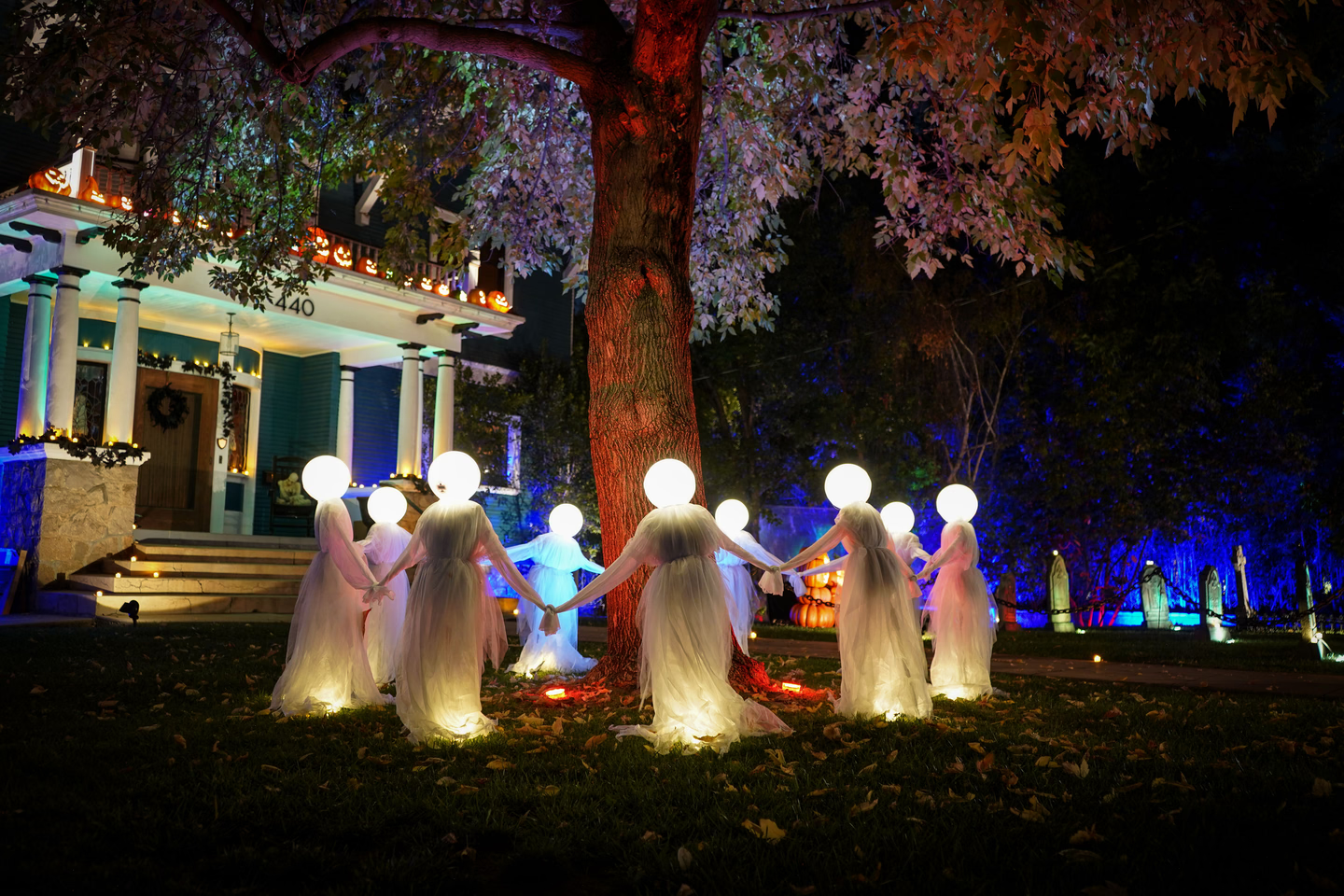
For props whose manuals carry the external-timer line, a smart plug schedule beats the built-in timer. The Skelly’s TIMER • SENSOR mode “will activate SENSOR mode for 6 hours followed by a deactivated period of 18 hours. This cycle will continue indefinitely unless the setting is changed.” The six hours start when you press the button, so select it at noon and the prop goes dark at six. A plug schedule runs on the clock instead.
Two more Skelly details matter for automation:
- “NOTE: TIMER • SENSOR setting can only be chosen from the Skeleton Control Panel, not with Remote Control.” Set it by hand once, then let the plug handle the power.
- The adapter is rated 5.9 V, 3 A and 17.7 W on its output side. That’s a tiny load for any outdoor plug, so several props can share one outlet. But it’s an adapter, which keeps it off the P430M dimmer.
Our animatronic repair guide lists the trigger modes and timer behavior from the Home Depot manuals and Spirit’s FAQ. Check yours there before you build a schedule around it. A prop that ships in demo mode or comes back OFF after a power cut will ignore your plug.
Motion Triggers

A motion sensor turns a schedule into a scare. It tells your smart home someone is on the path, and the app fires a light, a plug or a sound. The limits are water, range and which hub the sensor needs.
| Sensor | Water rating | Range | Needs |
|---|---|---|---|
| Philips Hue Outdoor Motion Sensor | IP54 | Not stated on Philips’s page | Hue Bridge |
| Eve Motion | IPX3, “Indoors and outdoors” | 120°, 9 m / 30 ft at 2 m mounting height | Matter controller and Thread border router |
| Aqara Motion and Light Sensor P2 | None stated | 7 m / 23 ft, 170° horizontal, 45° vertical | Matter controller and Thread border router |
Sources: Philips Hue, Eve, Aqara.
Philips rates its outdoor sensor from -20°C to 45°C and says “For a Outdoor sensor a bridge is required.” Aqara gives its P2 range from “laboratory testing, conducted in a 25 °C / 77 °F environment” and lists no water rating, so put it under the porch roof, not in the flower bed.

Philips Hue Outdoor Motion Sensor
IP54, runs on two AA batteries, and Philips rates it from -4°F to 113°F. It needs a Hue Bridge. Mount it where it sees the path, not the street.

Aqara Motion and Light Sensor P2
Matter over Thread. Aqara lists Apple Home, Alexa and SmartThings, and you need a Thread border router. Aqara lists a 23-foot, 170-degree field but no water rating, so keep it under cover, aimed out at the walk.
For a scare that has to land on an exact spot, a hardwired step pad or beam sensor on the prop itself beats any smart home sensor. Our mechanical triggers guide covers those. Use the smart sensor for the scene around it: porch lights dropping to red, a sound starting, a second prop waking up.
Which Smart Home to Use
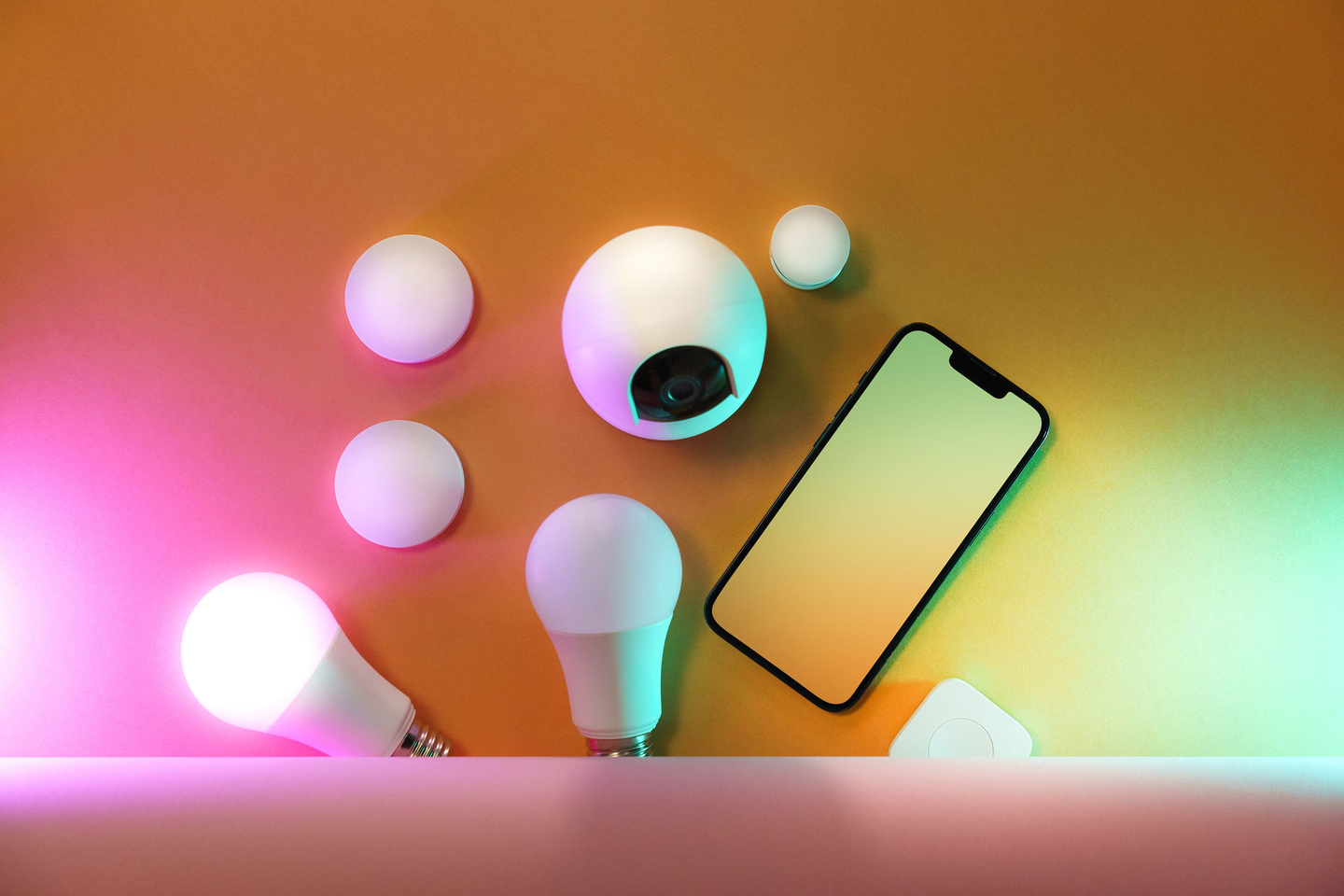
If you already own one of these, use it. The table covers what each platform’s own help pages say it needs and what can start an automation.
| Platform | Hub for Matter devices | Thread devices (Eve, Aqara P2) | What can start an automation |
|---|---|---|---|
| Amazon Alexa | Echo devices on Amazon’s Matter list, including Echo Dot (2nd Gen and newer) and Echo Pop | Echo (4th Gen), Echo Hub, Echo Dot Max (2025), Echo Plus (2nd Gen) and some Echo Show models. The regular Echo Dot isn’t on the Thread list | “voice, time of day, with your smart home devices, when you turn off your alarm, and more,” including sunset |
| Google Home | “A Matter-enabled hub for Google Home” | “a Thread Border Router” | Sunset or sunrise (with offset), a precise time, a device turning on or off, sensors |
| Apple Home | A home hub (HomePod, HomePod mini or Apple TV) to run automations. Apple’s pages differ on adding Matter devices without one (see below) | “Apple TV 4K, HomePod (2nd generation), HomePod mini, or a compatible third-party Thread border router” | “the time of day, your location, the activation of a sensor, or the action of an accessory” |
| SmartThings | Samsung’s routines page doesn’t cover hubs | Not covered on that page | The time, or “a motion sensor; you can make the automation trigger when the sensor detects motion” |
| Home Assistant | Runs as the Matter controller itself | Needs a Thread border router | Sun events with an offset, device states, time, and much more |
Sources: Amazon’s Matter device list and Alexa Routines page; Google’s Matter setup and starters and actions; Apple’s home hub, Matter and automations pages; Samsung’s SmartThings routines; Home Assistant’s automation triggers.
Some platform notes that bear on a haunt:
- Alexa is the easy pick if an Echo is already on the porch, since the same speaker can play the sound effect the motion sensor triggers. Our sound effects roundup covers speakers. For Thread sensors, check that your Echo is on the Thread list.
- Google Home lets an automation “Start playback of media content,” “Broadcast an announcement or a message,” and “Add a delay between actions,” which is enough for a light-then-sound sequence. Google adds a warning worth taking literally: “Automations are for convenience only, not safety or security-critical use cases. Do not create automations that could result in injury or harm if they fail to start or stop” (Google script editor help).
- Apple Home needs a home hub to run automations. Apple says a hub lets you “automate your accessories to do what you want, when you want,” and its automations page says Thread accessories need a Thread-enabled home hub “for you to run automations.” Apple’s two Matter pages disagree on setup: the home hub page says “You must set up a home hub to add Matter accessories to the Home app,” while the Matter page says that with iOS 18 or later “you can add Matter accessories to and control Matter accessories from the Home app without a home hub,” and that iPhone 15 Pro and later can “control thread-based accessories without a home hub.” For a haunt that runs on a schedule or a sensor, plan on the hub.
- Home Assistant’s sun trigger “Fires when the sun is setting or rising” with “An optional time offset,” so “45 minutes before sunset” is one line.
One plug, several apps
Matter lets a single plug answer to more than one platform, with a setup step people miss. TP-Link: “The Matter setup code can only be used to add the device to the first ecosystem. For the second commissioning, you will need to open the app of the first ecosystem to generate a new setup code,” and that new code is “valid for 15 minutes” (TP-Link FAQ). Google adds that “You need one Matter-certified smart home hub for each Matter-certified app that you want to control the Matter-enabled device from.”
The Home Assistant Tier
Home Assistant is where you go when you want a prop, a light and a sound to fire in sequence from one sensor, with delays you set to the second. A few integration notes from its documentation:
- Matter covers the Tapo and Kasa plugs above and the Thread sensors. Home Assistant warns that “Matter, being a universal standard, might not have the nitty-gritty features that come with a product-specific protocol,” and that it “is not a bridge itself and it cannot turn existing devices within Home Assistant into Matter compatible devices” (Matter integration).
- TP-Link’s own integration lists the EP40M, KP125M and HS300 by model, with local polling. It footnotes the EP40M and KP125M “Model requires authentication,” and setup asks for your “TP-Link cloud username” and password (TP-Link integration).
- SwitchBot works over Bluetooth: “A SwitchBot Hub is not required for this integration,” but you need “working Bluetooth set up on the device running Home Assistant” (SwitchBot integration).
At some point a haunt outgrows smart plugs and needs a dedicated prop controller. FrightIdeas’ PicoRelay has “four relay outputs, MP3 audio playback, a powerful 60 watt amplifier, and built-in WiFi,” with “Two trigger inputs” for “motion sensors, beam sensors, hand triggers, and pressure mats,” and it “can still be programmed and operated locally” (FrightIdeas). It’s a standalone controller that runs one prop’s show from its own trigger, rather than a smart home device.
Power and Safety Checklist
- GFCI on every outdoor outlet. The CPSC says to plug outdoor lights only “into a ground-fault circuit interrupter (GFCI) protected receptacle or a portable GFCI” (CPSC).
- Schedule an off time. The same CPSC release: “DO turn off all holiday lights when you go to bed or leave the house. The lights could short out and start a fire.” A scheduled off time on each plug does that for you.
- Count amps per circuit. Chauvet’s troubleshooting table, for a breaker that keeps tripping, says to “Make sure that the total load does not exceed 80% of the breaker or fuse nominal current” (Hurricane 700 manual). On a 15 A breaker that’s 12 A, and a Hurricane 1200 alone draws 10 A, so give it a circuit with little else on it.
- Don’t stack power strips. USFA: “Do not overload power strips. Use power strips that have internal overload protection” (USFA).
- Unplug before you reach in. A scheduled plug can switch on while you’re working on the prop, which is why the EP40M guide says to unplug the appliance before servicing.
- Keep connections up and dry. Our weatherproofing guide covers outdoor connections, GFCI and wind.
Frequently Asked Questions
Can I put my fog machine on a smart plug? Yes, to power it for the evening, and that’s what Chauvet’s advice to disconnect it when idle supports. The plug won’t make fog. For bursts on a schedule you need a machine with a timer remote, like the Hurricane 1200’s FC-T, and someone home while it runs.
Will my animatronic start when the smart plug turns on? Only if its manual says so. Home Depot’s Skelly manuals say the prop “is compatible with external timers and preserves its setting when the power is turned OFF/ON.” Props without that line may come back off or in demo mode.
Do I need a hub? For automations, yes. Alexa needs an Echo on Amazon’s Matter list, Google needs a Matter-enabled hub for each app you use, Apple needs a home hub to run automations, and Home Assistant is its own controller. For Thread sensors like the Aqara P2 and Eve Motion, the hub also has to be a Thread border router.
Can I use an indoor smart plug outside if it’s covered? Not per the makers. The HS300 datasheet says “Indoor Use Only,” and the KP125M and Eve Energy list no water rating. Use a plug rated IP44 or better and install it the way its manual says.
Related Resources
Our outdoor decorating guide covers layout and power planning for the whole yard, and yard haunt basics covers building the route these schedules run along. Check whether fog sets off your smoke alarm before you run a fog schedule near the house.